1
5-20
Chapter 5 Viewing the Remote Site
Change Password-operator
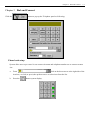
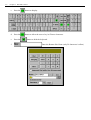
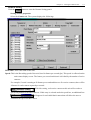
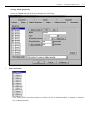
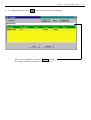
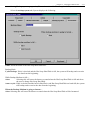
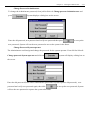
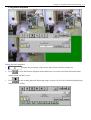
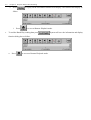
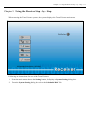
The Administrator could assign and change the password for the operator. From Job list Select
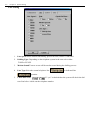
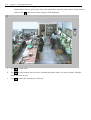
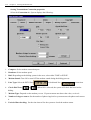
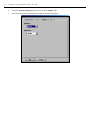
3. Change password-operator and click on
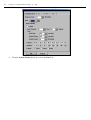
, system will display a dialog box on the
screen.
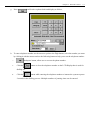
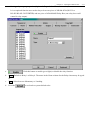
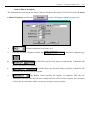
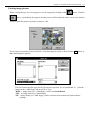
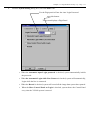
Enter the old password (Enter either Administrator password, System Operator password or Operator old
password), new password and verify new password then click
to accept the new password.
Change Password- Telephone-Connection
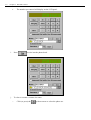
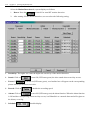
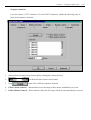
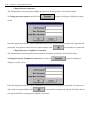
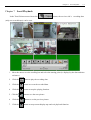
The Administrator could assign the password for the telephone connection. From Job list Select
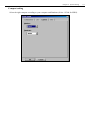
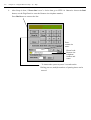
4.Change Password- Telephone-Connection and click on
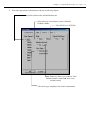
, system will display a
dialog box on the screen.
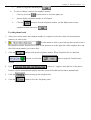
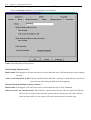
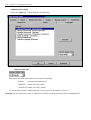
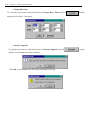
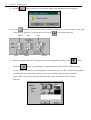
Enter the old password (Enter either Administrator password or old telephone password), new password
and verify new password then click
to accept the new password; System will check for the
new password before accepting the telephone connection.