1
5-10
Chapter 5 Viewing the Remote Site
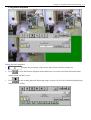
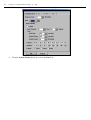
Motion detection function
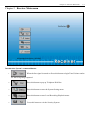
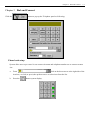
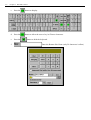
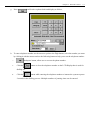
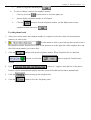
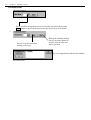
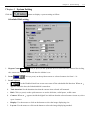
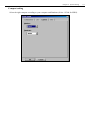
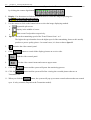
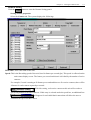
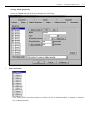
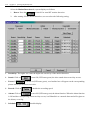
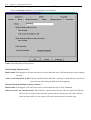
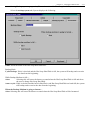
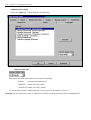
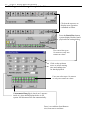
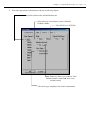
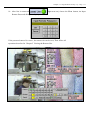
Select the Motion Detection tab, system displays as follows:
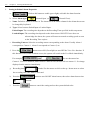
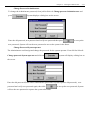
1. Detect: Press the
to turn ON or turn OFF motion detection.
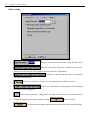
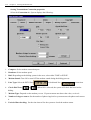
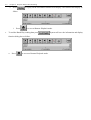
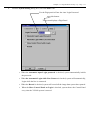
2. After turning ON the motion detection, user can select the following setting.
a. Sensitivity: The higher the value the higher the sensitivity of the motion detection.
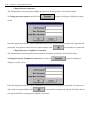
b. Sound: Click on
c. Frame: If
to turn ON (LED turns green) the alert sound when an activity occurs.
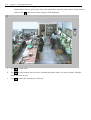
is turned on (LED turns green), a red outline box will appear on the corresponding
picture when system detects activities.
d. Record: Click on
to double the recording speed.
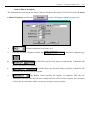
e. Alarm: Click on
to turn ON (LED turns green) the alarm function. When the alarm function
is ON and the corresponding camera activity occurs, it will handle it as a normal alarm and will register to
the history event log.
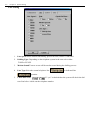
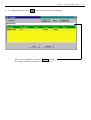
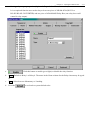
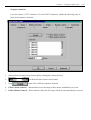
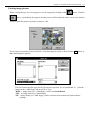
f.
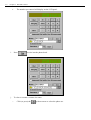
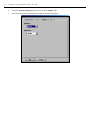
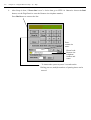
Schedule:
schedule display.