1
Chapter 1: Login/Dashboard
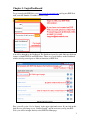
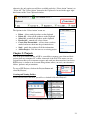
To get started with ESP Web, go to http://espweb.asicentral.com and log into ESP Web
with your ASI Number, Username, and Password.
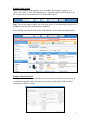
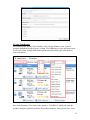
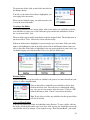
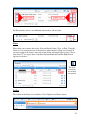
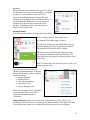
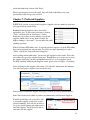
You will be brought to the Dashboard. The Dashboard provides quick links into different
features of both ESP Web and ESP Orders. There are several features on the Dashboard
which can help you navigate to different functions of ESP Web.
ESP Web Dashboard Page
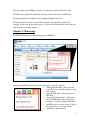
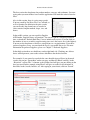
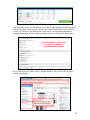
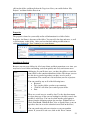
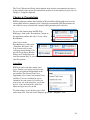
First, you will see the “Set As Startup” in the upper right hand corner. If you click on this
link, the text will change to say “Default Startup” and the next time you log into ESP
Web, you will be brought directly to the ESP Web Homepage.
3