1
5
OPERATION
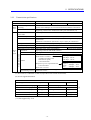
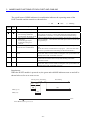
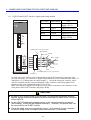
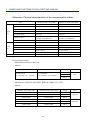
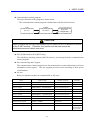
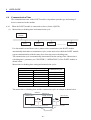
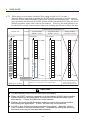
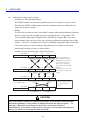
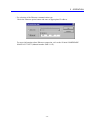
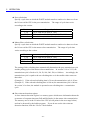
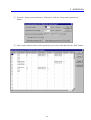
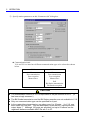
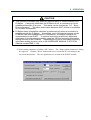
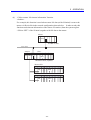
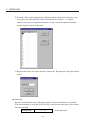
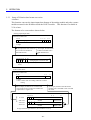
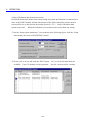
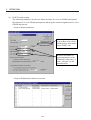
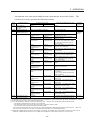
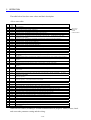
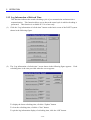
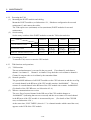
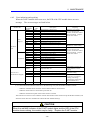
③ On the “Setup data format conversion of D.STATION” screen shown in the following
figure, perform format conversion setting for each PI/O module.
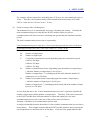
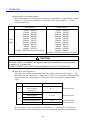
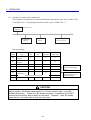
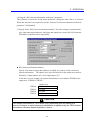
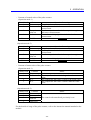
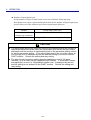
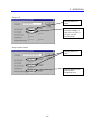
z Module
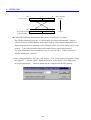
Select a type of I/O module to perform data format conversion. The D.NET module
converts the data format according to the contents of this selection.
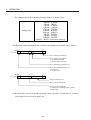
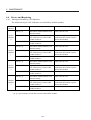
Contents of selection
AI (with sign extension)
AI (without sign extension)
AO
Pulse counter (with sign extension)
Pulse counter (without sign extension)
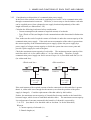
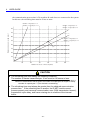
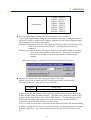
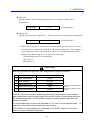
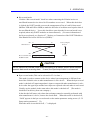
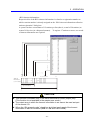
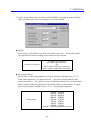
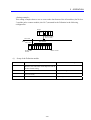
z Input/output address
Set the range of input/output addresses set on the Parameter editing screen of “5.5.2
Setup station parameters” for data conversion. Specify the starting address of the
conversion location. The addresses to be set should be within the area set by the input
address and the number of input bytes or the output address and the number of output
bytes on the parameter editing screen of “5.5.2 Setup station parameters”.
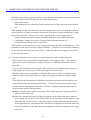
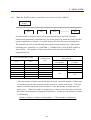
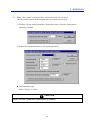
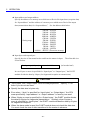
Setting range
XW000 – XWFF0
YW000 – YWFF0
RW000 – RWFF0
MW000 – MWFF0
GW000 – GWFF0
EW400 – EWFF0
FW000 – FWBFF
QW000 – QWFF0
/100000 – /4FFFFE(extension memory)
- 101 -