1
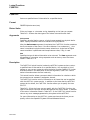
DELETE
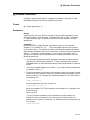
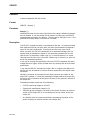
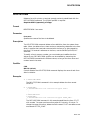
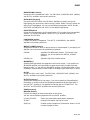
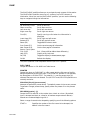
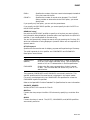
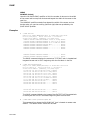
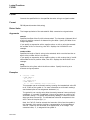
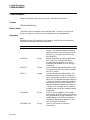
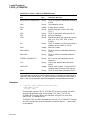
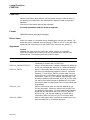
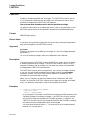
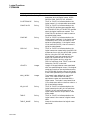
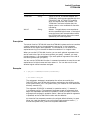
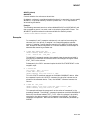
The keywords CONDENSED and EXPANDED are mutually exclusive. This
qualifier specifies which file name format is displayed in the output message,
along with the confirmation if requested.
File errors are displayed with the CONDENSED file specification unless the
EXPANDED keyword is specified.
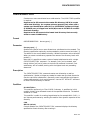
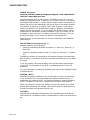
Refer to the OpenVMS Guide to Extended File Specifications for more information.
Examples
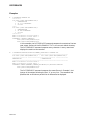
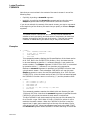
1.
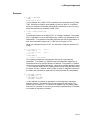
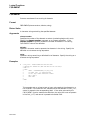
$ DELETE COMMON.SUM;2
The DELETE command deletes the file COMMON.SUM;2 from the current
default disk and directory.
2.
$ DELETE *.OLD;*
The DELETE command deletes all versions of files with file type .OLD from
the default disk directory.
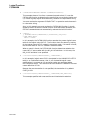
3.
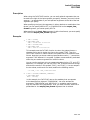
$ DELETE ALPHA.TXT;*, BETA;*, GAMMA;*
The DELETE command deletes all versions of the files ALPHA.TXT,
BETA.TXT, and GAMMA.TXT. The command uses the file type of the first
input file as a temporary default. Note, however, that some form of version
number (here specified as the asterisk ( * ) wildcards) must be included in
each file specification.
4.
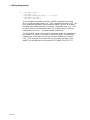
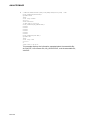
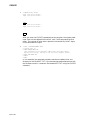
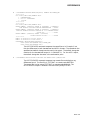
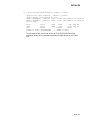
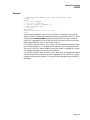
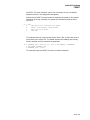
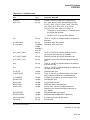
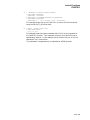
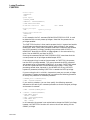
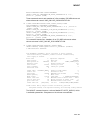
$ DELETE /BEFORE=15-APR/LOG *.DAT;*
%DELETE-I-FILDEL, DISK2:[MAIN]ASSIGN.DAT;1 deleted (5 block)
%DELETE-I-FILDEL, DISK2:[MAIN]BATCHAVE.DAT;3 deleted (4 blocks)
%DELETE-I-FILDEL, DISK2:[MAIN]BATCHAVE.DAT;2 deleted (4 blocks)
%DELETE-I-FILDEL, DISK2:[MAIN]BATCHAVE.DAT;1 deleted (4 blocks)
%DELETE-I-FILDEL, DISK2:[MAIN]CANCEL.DAT;1 deleted (2 blocks)
%DELETE-I-FILDEL, DISK2:[MAIN]DEFINE.DAT;1 deleted (3 blocks)
%DELETE-I-FILDEL, DISK2:[MAIN]EXIT.DAT;1 deleted (1 block)
%DELETE-I-TOTAL, 7 files deleted (23 blocks)
The DELETE command deletes all versions of all files with file type .DAT
that were either created or updated before April 15 of this year. The /LOG
qualifier not only displays the name of each file deleted, but also the total
number of files deleted.
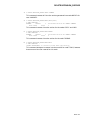
5.
$ DELETE A.B;
The DELETE command deletes the file A.B with the highest version number.
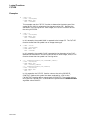
6.
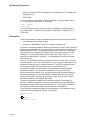
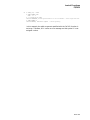
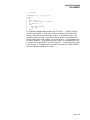
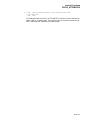
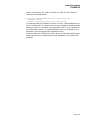
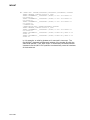
$ DELETE/CONFIRM/SINCE=TODAY [MEIER.TESTFILES]*.OBJ;*
DISK0:[MEIER.TESTFILES]AVERAG.OBJ;1, delete? [N]:Y
DISK0:[MEIER.TESTFILES]SCANLINE.OBJ;4, delete? [N]:N
DISK0:[MEIER.TESTFILES]SCANLINE.OBJ;3, delete? [N]:N
DISK0:[MEIER.TESTFILES]SCANLINE.OBJ;2, delete? [N]:N
DISK0:[MEIER.TESTFILES]WEATHER.OBJ;3, delete? [N]:Y
The DELETE command examines all versions of files with file type .OBJ in
the subdirectory [MEIER.TESTFILES], and locates those that were created or
modified today. Before deleting each file, it requests confirmation that the file
should be deleted. The default response—N—is given in brackets.
DCLI–149