1
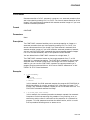
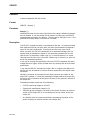
IF
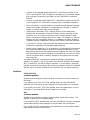
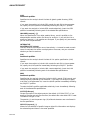
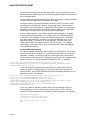
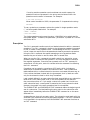
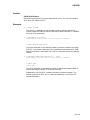
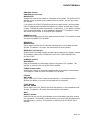
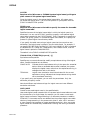
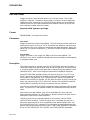
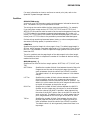
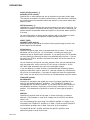
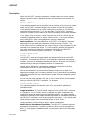
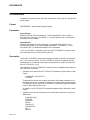
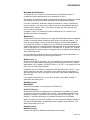
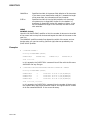
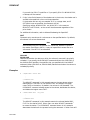
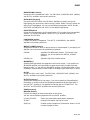
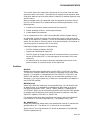
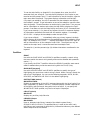
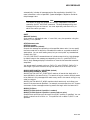
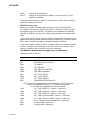
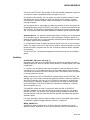
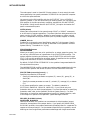
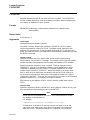
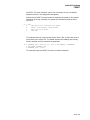
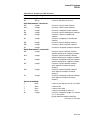
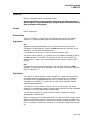
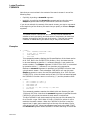
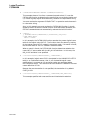
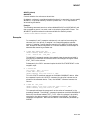
Symbol substitution in expressions in IF commands is not iterative; that is, each
symbol is replaced only once. However, if you want iterative substitution, precede
a symbol name with an apostrophe ( ’ ) or ampersand ( & ).
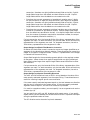
The command interpreter does not execute an IF command when it contains an
undefined symbol. Instead, the command interpreter issues a warning message
and executes the next command in the procedure.
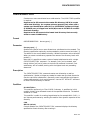
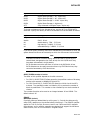
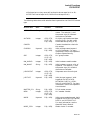
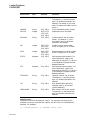
For a summary of operators and details on how to specify expressions, see the
OpenVMS User’s Manual.
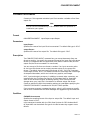
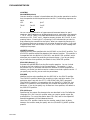
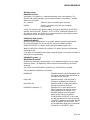
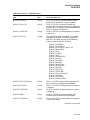
command
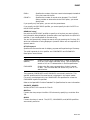
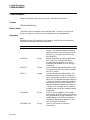
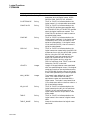
Specifies the DCL command or commands to be executed, depending on the
syntax specified, when the result of the expression is true or false.
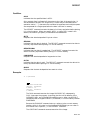
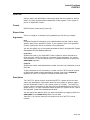
Description
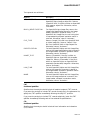
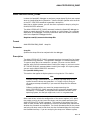
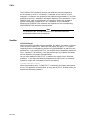
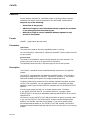
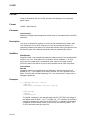
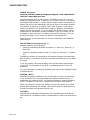
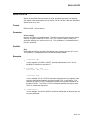
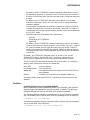
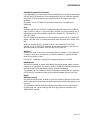
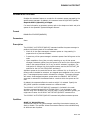
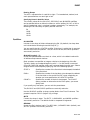
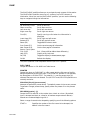
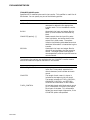
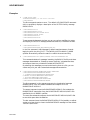
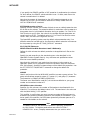
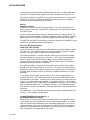
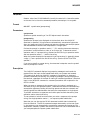
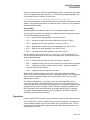
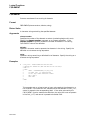
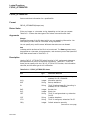
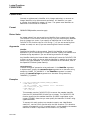
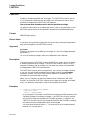
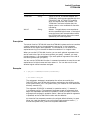
The IF command tests the value of an expression and executes a given command
if the result of the expression is true. The expression is true if the result has an
odd integer value, a character string value that begins with the letters Y, y, T, or
t, or an odd numeric string value.
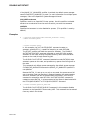
The expression is false if the result has an even integer value, a character string
value that begins with any letter except Y, y, T, or t, or an even numeric string
value.
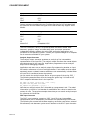
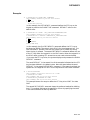
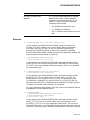
Examples
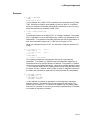
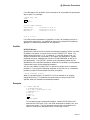
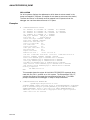
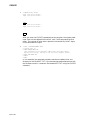
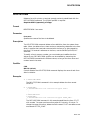
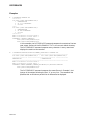
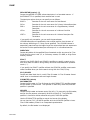
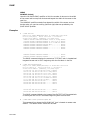
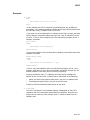
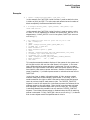
1.
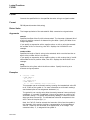
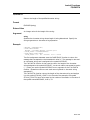
$ COUNT = 0
$ LOOP:
$ COUNT = COUNT + 1
.
.
.
$ IF COUNT .LE. 10 THEN GOTO LOOP
$ EXIT
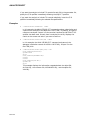
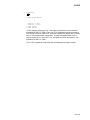
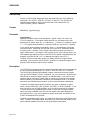
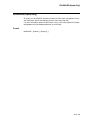
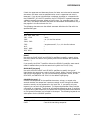
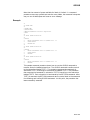
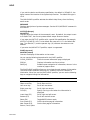
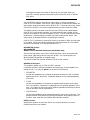
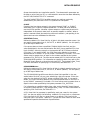
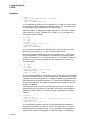
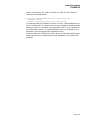
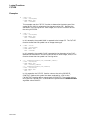
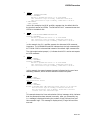
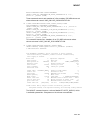
This example shows how to establish a loop in a command procedure, using
a symbol named COUNT and an IF statement. The IF statement checks the
value of COUNT and performs an EXIT command when the value of COUNT
is greater than 10.
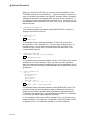
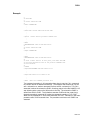
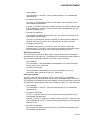
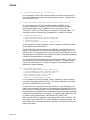
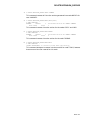
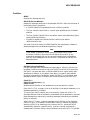
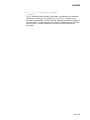
2.
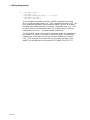
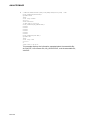
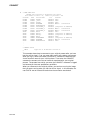
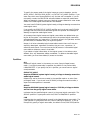
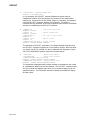
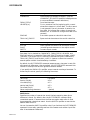
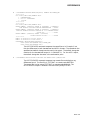
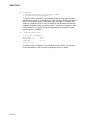
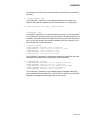
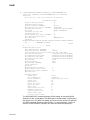
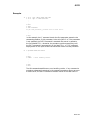
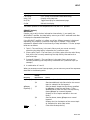
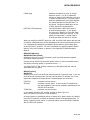
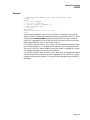
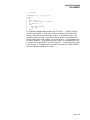
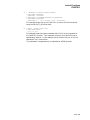
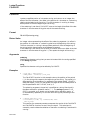
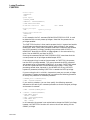
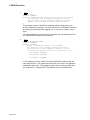
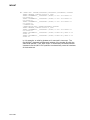
$ IF P1 .EQS. "" THEN GOTO DEFAULT
$ IF (P1 .EQS. "A") .OR. (P1 .EQS. "B") THEN GOTO ’P1’
$ WRITE SYS$OUTPUT "Unrecognized parameter option ’’P1’ "
$ EXIT
$ A:
! Process option a
.
.
.
$ EXIT
$ B:
! Process option b
.
.
.
$ EXIT
$ DEFAULT: ! Default processing
.
.
.
$ EXIT
DCLI–267