1
Master Accounting System- Version 3.0
Billing (Purchases)
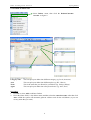
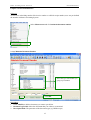
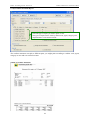
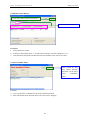
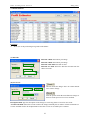
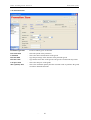
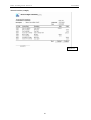
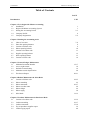
6.3 Purchases Price History
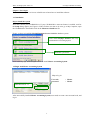
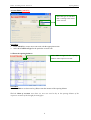
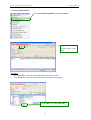
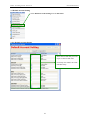
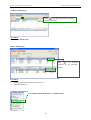
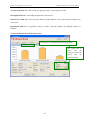
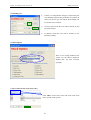
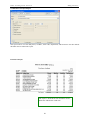
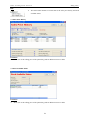
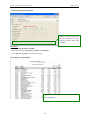
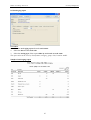
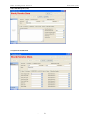
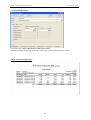
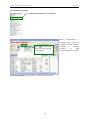
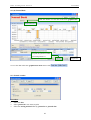
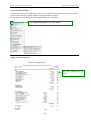
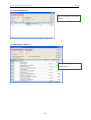
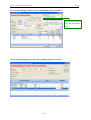
2. After select those criteria click refresh
1. Firstly select the criteria.
Procedures
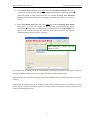
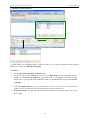
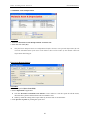
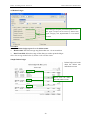
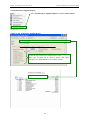
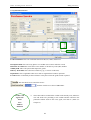
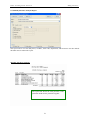
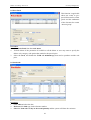
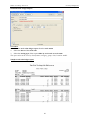
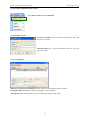
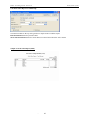
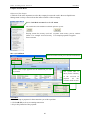
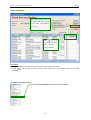
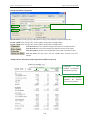
1. Firstly Select the criteria.
2. Follow by choosing the latest “x” records for the purchase. (As above diagram is “5”).
3. After that click refresh, then the data will run in accordance to the criteria you select.
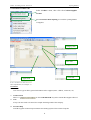
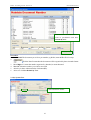
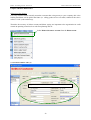
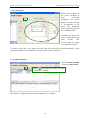
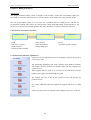
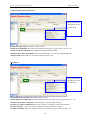
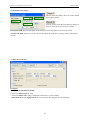
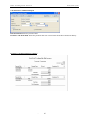
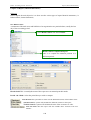
6.4 Stock Available Status
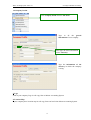
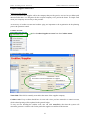
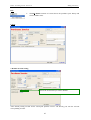
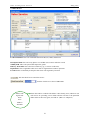
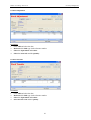
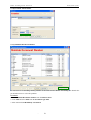
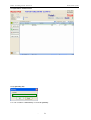
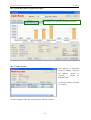
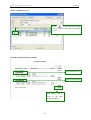
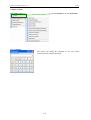
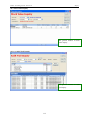
Click refresh the data
will update instantly
and show you the latest
stock
availability
status.
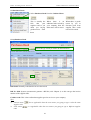
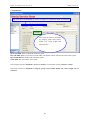
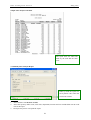
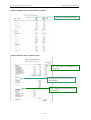
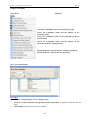
Functions
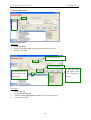
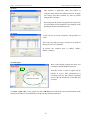
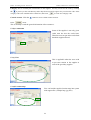
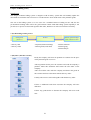
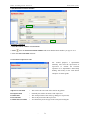
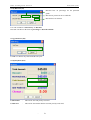
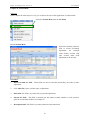
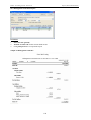
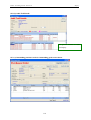
User can check the availability for the stock in different location.
More information about location please refers to the above diagram.
46