1
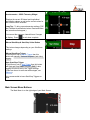
Accelerometer + OBD2 Telemetry Widget
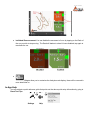
Displays the current 2D lateral and longitudinal
acceleration values, as well as the current values for
the selected OBD2 channels.
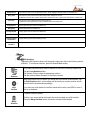
Long Tap - To bring up accelerometer settings (TAP
the Calibrate Accelerometer button. Read and follow
the instructions that appear.)
You can set the maximum Lateral/Linear G ranges
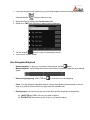
to display. Press
to exit when complete
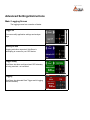
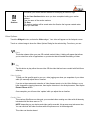
Manual Start/Stop & Start/Stop Video Button
This button changes depending on your SoloStorm
settings.
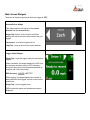
Manual Start/Stop Trigger
If SoloStorm is set to Manual Trigger then this
button will manually Start and Stop data (and video)
logging.
Auto Start/Stop Trigger
If SoloStorm is set to ,Auto Trigger then this button
will Start and Stop Video Recording ONLY, data
logging will start as set by the Trigger settings
(Video can be set to auto-start when staged, see
Markers).
It is recommended to leave Start/Stop Triggers on
Auto.
Main Screen Menu Buttons
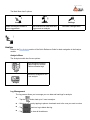
The Main Menu is on the right edge of your Main Screen
![SOLOSTORM USER GUIDE [VERSION 1.2]](http://vs1.manualzilla.com/store/data/005689152_1-d7af094c3c32ee16b7966cd6221b7607-150x150.png)