1
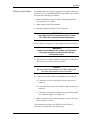
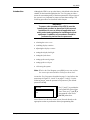
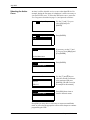
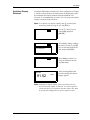
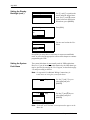
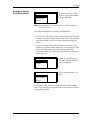
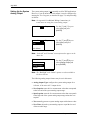
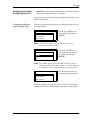
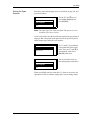
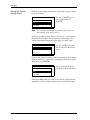
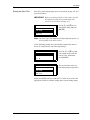
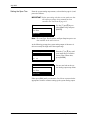
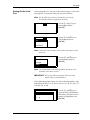
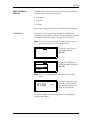
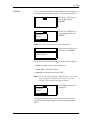
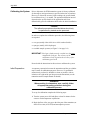
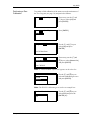
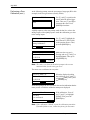
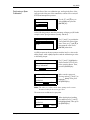
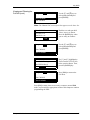
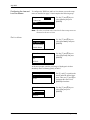
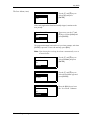
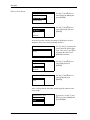
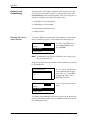
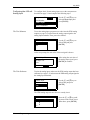
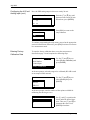
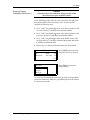
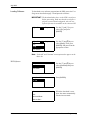
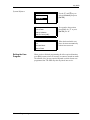
July 2003 Entering Factory Calibration Data (cont.) Caution! Incorrect entry of the calibration data points will cause the instrument to give unreliable results. At the following prompt, enter the (mA, pcnt) values for each of the known data points for the selected gas curve. To enter the data, complete the following steps: 1. Use [Ì] and [Í] to position the cursor at the desired position in the mA value, and use [Î] and [«] to increment the number. 2. Use [Ì] and [Í] to position the cursor at the desired position in the pcnt value, and use [Î] and [«] to increment the number. 3. Use [Ì] and [Í] to position the cursor at the double arrows at the far right, and use [Î] and [«] to increment the number and switch to a different calibration point. 4. Repeat steps 1-3 until all of the data points have been entered. Gas Curve: H2..Data mA pcnt V xx.xxxxx xxx.xxxx W Press [ENTER] when all of the data points have been entered. 1..6 Gas-Curve: H2/AIR Press [ESC] to return to the setup submenu. H2/CO2 AIR/CO2 To continue programming the setup menu, proceed to the appropriate section for instructions. Otherwise, press [ESC] four times to return to live measurement mode. Advanced Programming 5-17