1
CHAPTER 9 USING TREND GRAPH FUNCTION
9
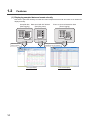
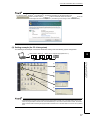
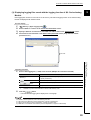
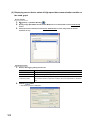
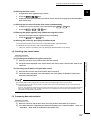
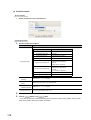
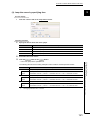
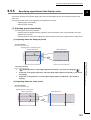
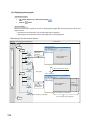
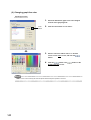
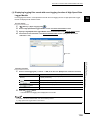
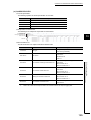
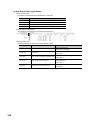
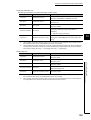
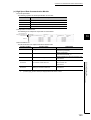
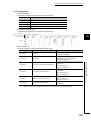
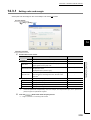
(3) Changing graph line type
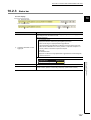
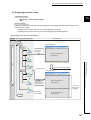
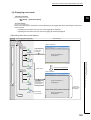
Operating procedure
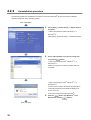
1.
Select the data whose graph line type to be changed
from the list of graph legends.
2.
Select a type from "Line Type".
3.
Click the
button or the
button.
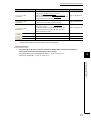
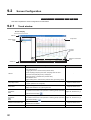
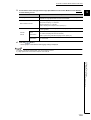
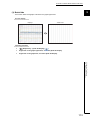
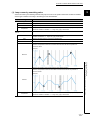
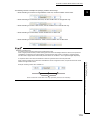
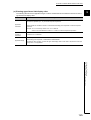
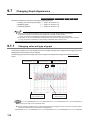
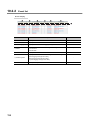
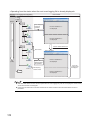
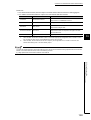
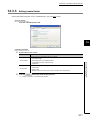
The following table shows the example of graph line
types.
Line type
Example
Solid Line
9.7 Changing Graph Appearance
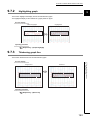
9.7.1 Changing color and type of graph
Dash Line
Dot Line
141