1
CHAPTER 9 USING TREND GRAPH FUNCTION
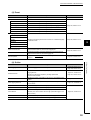
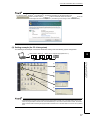
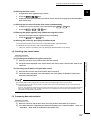
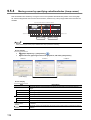
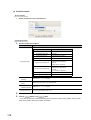
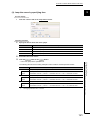
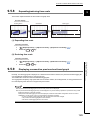
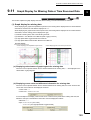
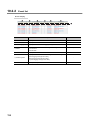
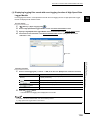
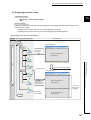
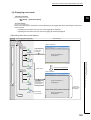
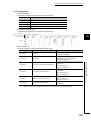
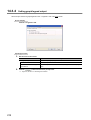
(a) Entering upper/lower limit display value
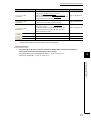
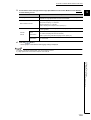
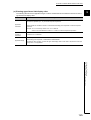
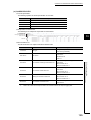
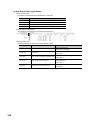
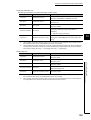
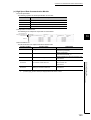
The following table shows the applicable ranges of values and data that can be entered in the text box of the
9
upper/lower limit display value.
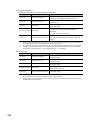
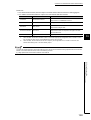
Item
Description
Numerals (0 to 9), alphabets ("E", "e"), signs ("-", "+", ".")
Note that the alphabets ("E", "e") are for the exponent expression.
Applicable
characters
Entered values are handled as values in a decimal fixed floating-point expression or decimal exponent
expression.
Example: "111" is not a binary number. It is "111" in decimal.
"11E3" is not a hexadecimal number. It is "11000" in a decimal exponent expression.
Applicable
number of
A maximum of 11 characters
characters
Exponent expression: -1.797E+308 to -2.225E-308, 0, and 2.225E-308 to 1.797E+308
Applicable range
Fixed floating-point expression: -9999999999 to 99999999999
Note that the value condition, in which the upper limit display value is lower than or equal to the lower limit
display value, is not applicable.
9.5 Adjusting Trend Graphs
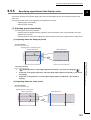
9.5.5 Specifying upper/lower limit display value
125