1
Setting a Product to use min and max criteria
Minimum and Maximum are levels set in the system for reordering purposes e.g. if
my min level is 5 and my max level is 10 and I have 7 in stock my reorder figure will
be 3
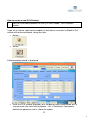
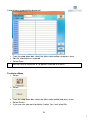
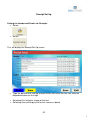
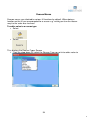
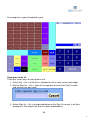
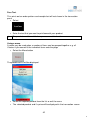
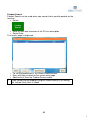
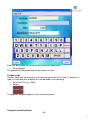
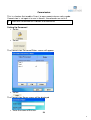
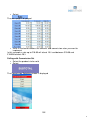
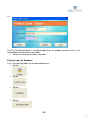
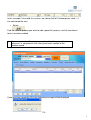
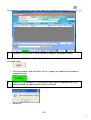
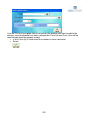
Find the product record of the product you want to set min and max levels for
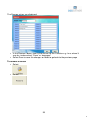
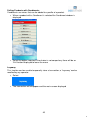
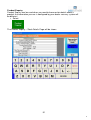
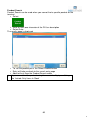
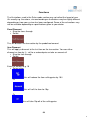
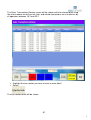
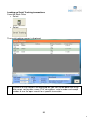
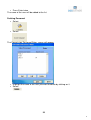
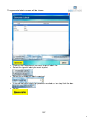
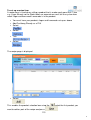
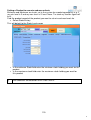
• Select Stock/History
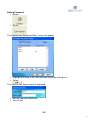
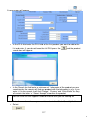
This will default to the Stock Levels page
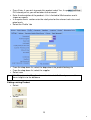
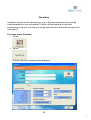
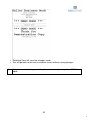
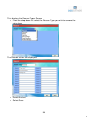
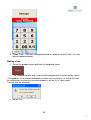
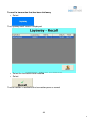
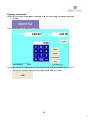
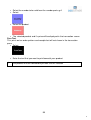
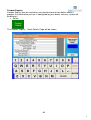
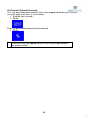
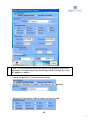
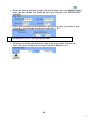
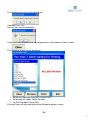
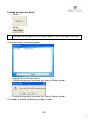
• In the minimum Stock field enter the minimum stock holding you want for this
product
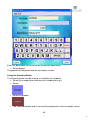
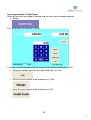
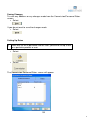
• In the maximum stock field enter the maximum stock holding you want for
this product
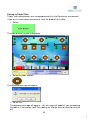
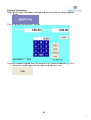
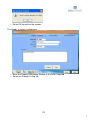
The Quantities are based on UNITS not CASES
119