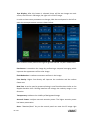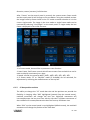
1
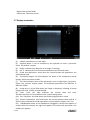
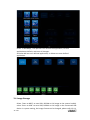
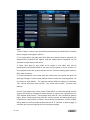
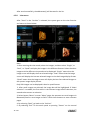
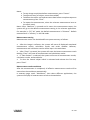
In 3D/4D mode, the operation of image storage is similar. The image saved in the hardisk will be displayed in the clipboard. The operator can select the saved images after enable “Cursor” to replay. Save the image during scanning, it will be cine. Save the image after freeze the system, it will be one frame. When replay one cine image saved in 3D/4D mode, the operator needs to select “Auto Rotate” or “Auto Cine”. 3.7 Freeze image Select “Freeze” on the bottom right of the control panel enables the system to switch from the scan mode to the frozen mode. When the key is orange backlit, it is in frozen mode which means the image is static. When the key is green backlit, it is real scan mode in which the scan image is in real time. Select “New Patient”, “Archive”, “Probe & App”, “Sys Setting” or “Body Pattern”, the system will switch to frozen mode. 3.8 Patient data Normally the operator needs to input a new patient’s information before scanning the new patient. Alternatively, pull up an old patient’s data from the archive for a new examination of the old patient. Read chapter 4 for reference. 3.9 Image Annotation 3.9.1
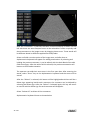
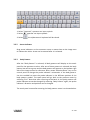
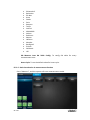
Character Annotation Select “Comments” button. 25 / 265
8000098