1
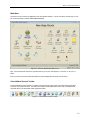
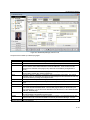
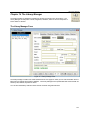
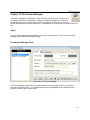
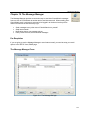
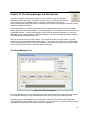
The Membership Manager
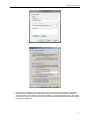
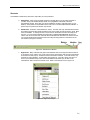
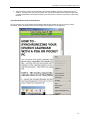
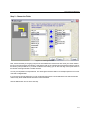
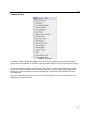
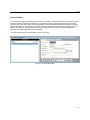
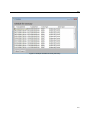
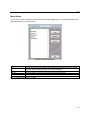
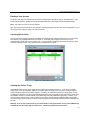
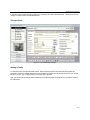
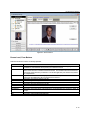
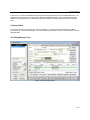
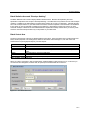
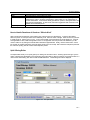
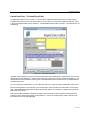
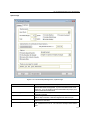
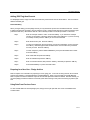
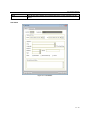
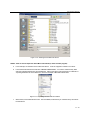
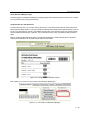
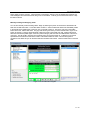
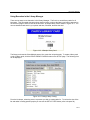
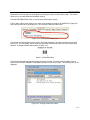
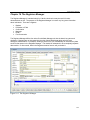
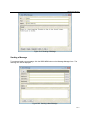
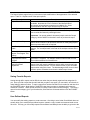
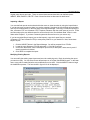
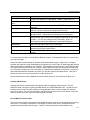
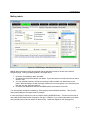
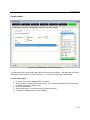
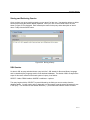
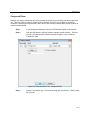
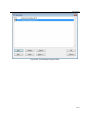
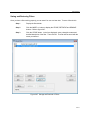
Figure 8-6 Person Photos
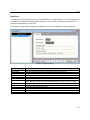
Person Level, Form Buttons
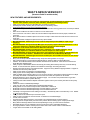
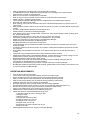
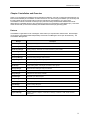
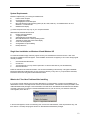
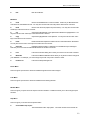
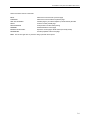
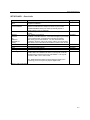
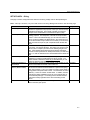
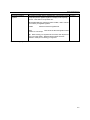
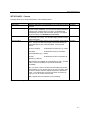
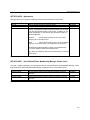
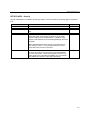
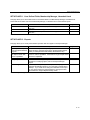
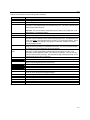
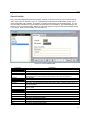
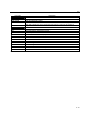
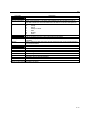
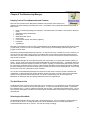
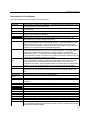
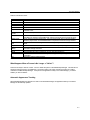
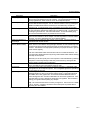
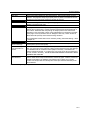
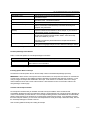
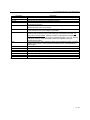
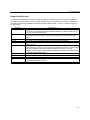
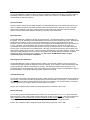
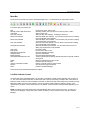
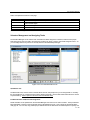
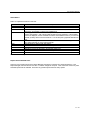
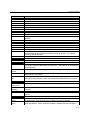
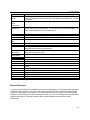
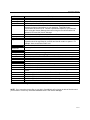
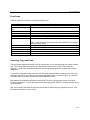
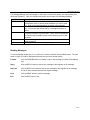
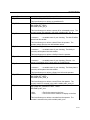
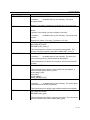
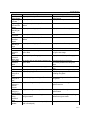
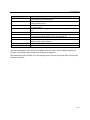
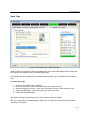
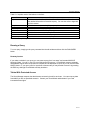
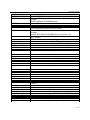
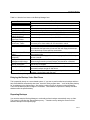
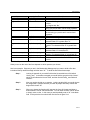
Table 8-5 lists all form buttons not already explained:
Button Title
Description
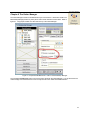
Click the DEL button to delete the current person. If the person has made giving
contributions, ChurchWatch will not permit you to delete the record.
Find
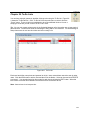
Click the FIND button to find a person by last name. When doing a find, only the first few
letters of the last name of interest need to be entered. The find will locate and show the first
occurrence of the last name you entered. You can also right-click your mouse in any field to
do a SuperSearch.
Find Next
Repeats the last find. This is handy if you have more than one person with the same last
name since the FIND button will only find the first occurrence.
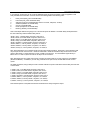
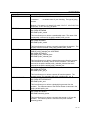
|<
Click this to go to the first person in the list.
<
Click this to go back one person.
>
Click this to go forward one person.
>|
Click this to go to the last person in the list.
Set Filter
Click this button to set a data filter. Refer to chapter 29.
Clear Filter
Click this button to clear the current data filter.
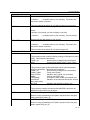
QuickReport
Click this to get a quick report of all people in the current data filter or if no filter is in effect, all
people.
Browse
Click this to view all people in a spreadsheet format.
Exit
Click this to exit the Membership Manager.
Table 8-5 Person Level Button Summary
Del
8-18