1
The Giving Manager
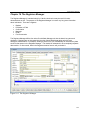
Preparing for a New Year - Giving Archive
ChurchWatch works on a tax year of January 1 to December 31. After December 31 you will not be permitted to
enter new records for the new year since Giving years cannot be mixed (you can still enter records for the past year).
Once your tax obligations are complete and you are ready to start a new year, the giving data needs to be archived.
Archiving also gives you an opportunity to delete all temporary household and people records and removes all giving
data so that you are ready for the new year. Be sure to do a backup before archiving the giving data.
Note that the archived giving data is moved to the “Archive” folder under the main ChurchWatch Data folder. You can
always go back and view or edit past giving years by selecting the year in the Data Context Toolbar at the top of the
screen.
The process is simple and is described in the following paragraphs.
Note: Archived data is stored in the ARCHIVE folder under the ChurchWatch Data folder.
Important: Be sure to do a backup first since the Archive process affects many ChurchWatch tables.
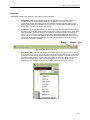
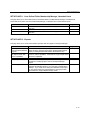
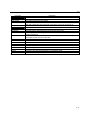
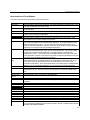
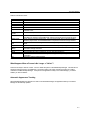
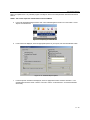
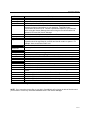
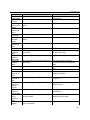
Step 1
Step 2
Step 3
Step 4
Step 5
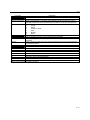
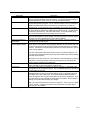
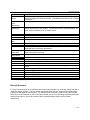
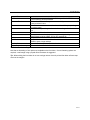
Do a backup first.
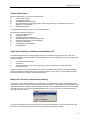
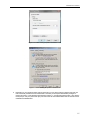
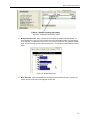
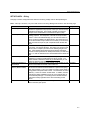
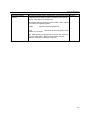
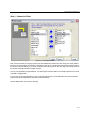
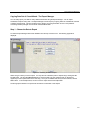
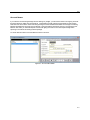
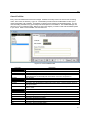
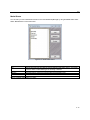
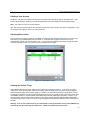
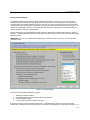
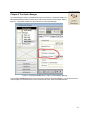
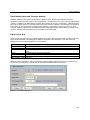
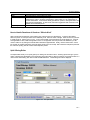
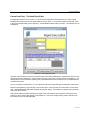
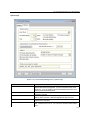
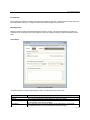
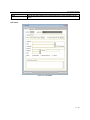
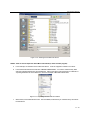
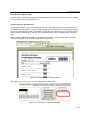
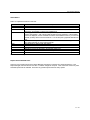
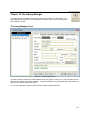
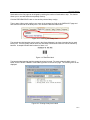
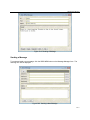
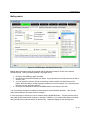
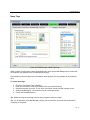
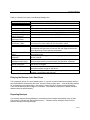
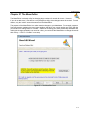
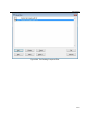
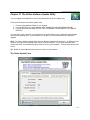
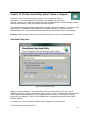
Click the NEW YEAR button in the Giving Manager. The form shown in figure 10-6 will
be displayed.
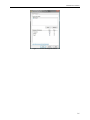
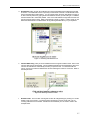
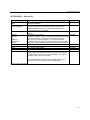
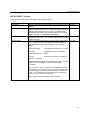
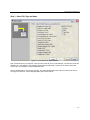
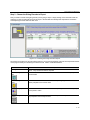
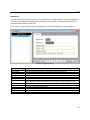
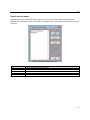
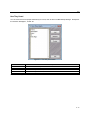
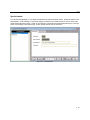
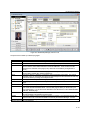
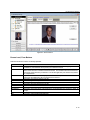
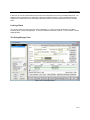
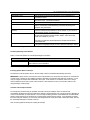
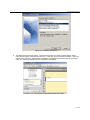
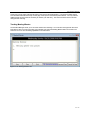
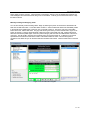
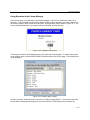
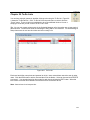
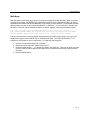
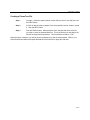
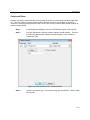
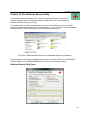
Recall from chapter 8 that the Membership Manager has a type field that allows you to
indicate if a family is temporarily entered for giving purposes only (see figure 10-7).
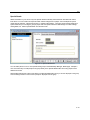
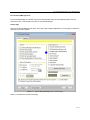
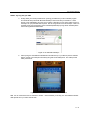
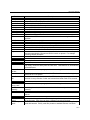
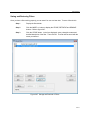
Check the “Delete Temporaries (Visitors)?” checkbox on the Archive form if you wish to
purge all temporary families from the Membership Manager. You can also wait until
another year if you so wish.
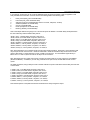
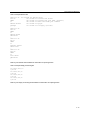
You can call up the Envelope Shift form AFTER the archive is complete by checking the
checkbox in this form. This will allow you to shift your envelope numbers from the “Next
Year” field to the “This Year” field and so on.
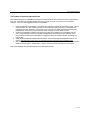
Finally, click the ARCHIVE button to complete the archive. You are now ready to being
entering the current year’s giving and pledge data.
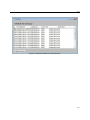
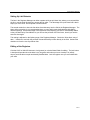
Figure 10-6 Archiving Giving Data
10-14