1
Security and User Name Maintenance
Chapter 7 Security and User Name Maintenance
Why Do You Need Security?
ChurchWatch has several layers of security built into it. The product is shipped with security turned off to make it
easier for first time users. When security is turned on you will be required to log in to gain access to ChurchWatch.
That means you will need a login name and a password. Not only is the use of the security features recommended,
your government’s laws may actually require that your church records be protected. White Mountain Software highly
recommends using the security features of ChurchWatch, even if only one computer is used in your church.
Although many people may have access to the church computer(s), and therefore ChurchWatch, only the people you
give user names and passwords to will actually be able to enter the program.
Passwords used in ChurchWatch are stored encrypted to minimize chances that someone would be able to “crack”
the security system. As well, when passwords are typed in, the characters are not shown on the screen.
You will need to designate one person to be the ChurchWatch administrator and an “admin” user account is supplied
for this purpose. The “admin” account cannot be deleted or modified (other than the password).
It is HIGHLY recommended that you turn on security as soon as you are comfortable with ChurchWatch.
What Parts of the Program Are Protected?
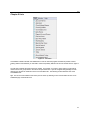
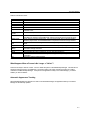
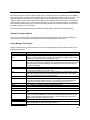
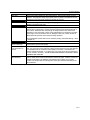
All areas of the program can be protected in detail with View/Modify and/or Delete access privileges.
Turning Security On or Off
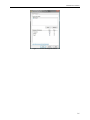
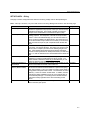
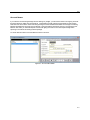
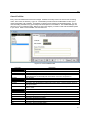
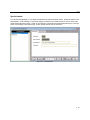
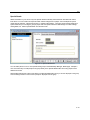
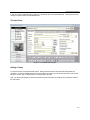
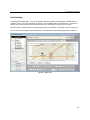
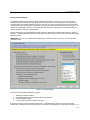
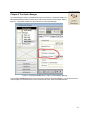
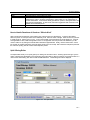
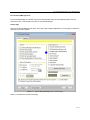
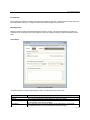
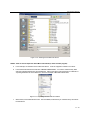
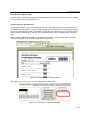
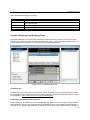
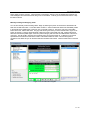
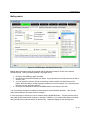
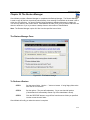
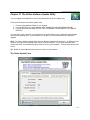
Security is turned on by unchecking the “Disable All Security” checkbox on the SECURITY page of the SETUP form
(refer to figure 7-2). Once security is turned on only the “admin” user will have access to the SECURITY page from
that point on. Only the “admin” user has permission to add or delete user accounts.
To turn off security (not recommended) login as “admin” and check the “Disable All Security” checkbox on the
SECURITY page of the SETUP form.
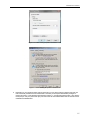
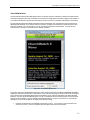
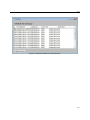
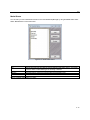
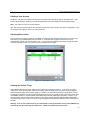
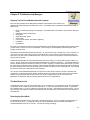
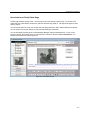
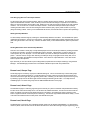
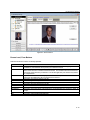
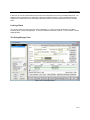
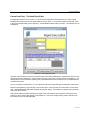
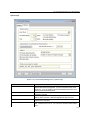
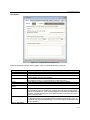
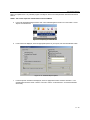
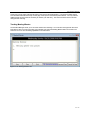
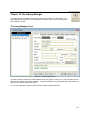
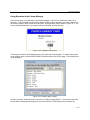
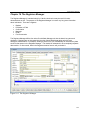
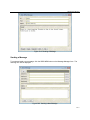
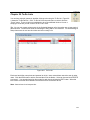
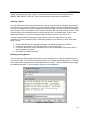
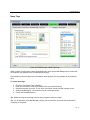
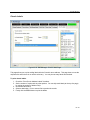
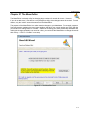
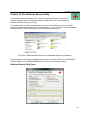
Once security is turned on a login form will appear each time you start ChurchWatch as shown in figure 7-1. In order
to gain entry into ChurchWatch you will need a user account and password. These can only be created by the
ChurchWatch administrator (ie the ‘admin’ user).
7-1