1
REMOTE CONTROL
12
11
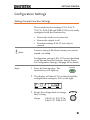
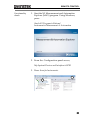
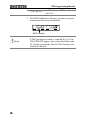
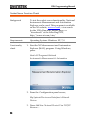
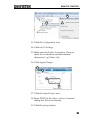
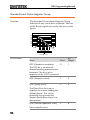
13. Click the Configuration icon,
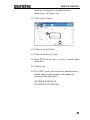
14. Click on I/O Settings.
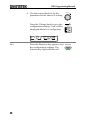
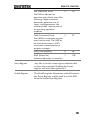
15. Make sure the Enable Termination Character
check box is checked, and the terminal
character is \n (Value: xA).
16. Click Apply Changes.
13
14
15
16
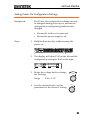
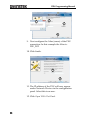
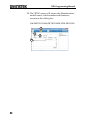
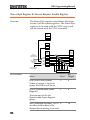
17. Click the Input/Output icon.
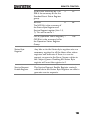
18. Enter *IDN? in the Select or Enter Command
dialog box if it is not already.
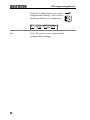
19. Click the Query button.
53