1
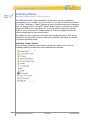
Splitting Slides (New Feature!)
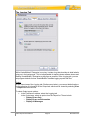
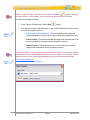
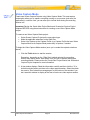
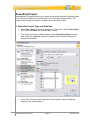
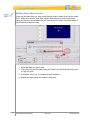
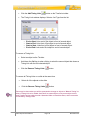
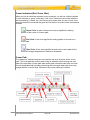
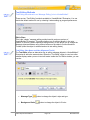
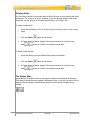
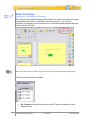
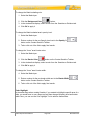
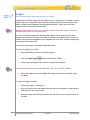
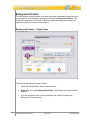
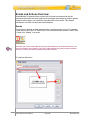
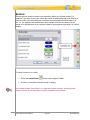
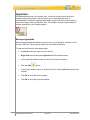
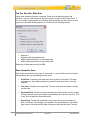
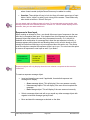
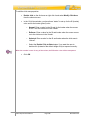
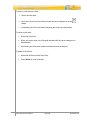
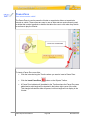
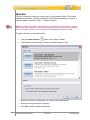
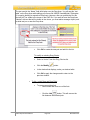
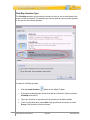
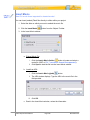
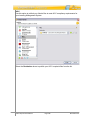
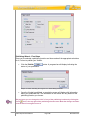
There may be times when you have a slide that you need to break a part into two slides.
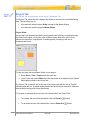
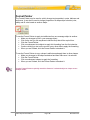
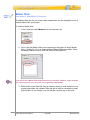
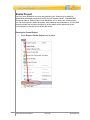
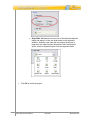
This is easily done with the “Split Slide” feature. Most commonly used to split video
slides, this feature is also available for non-video slides too. Here’s some information to
get you started using this feature:
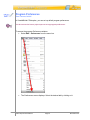
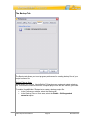
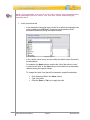
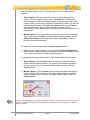
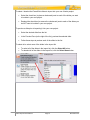
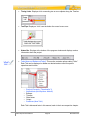
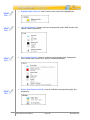
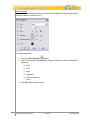
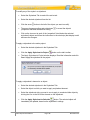
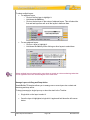
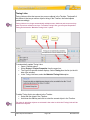
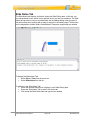
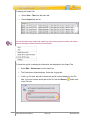
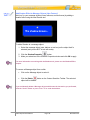
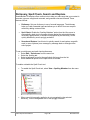
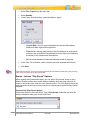
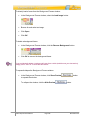
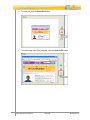
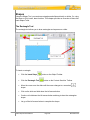
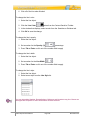
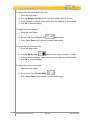
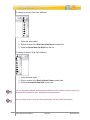
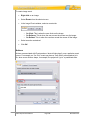
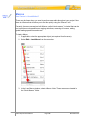
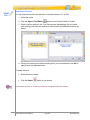
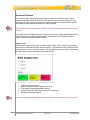
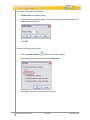
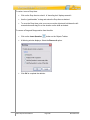
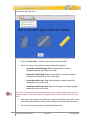
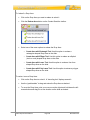
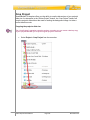
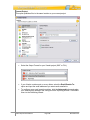
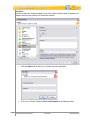
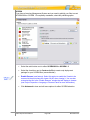
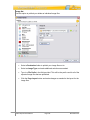
1. Select the slide you want to split.
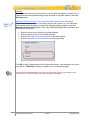
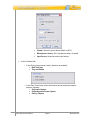
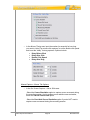
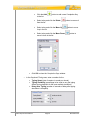
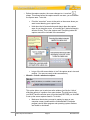
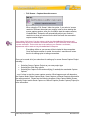
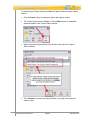
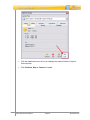
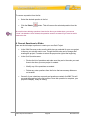
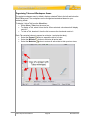
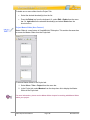
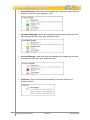
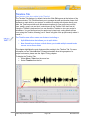
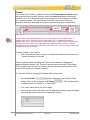
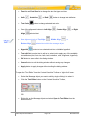
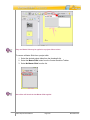
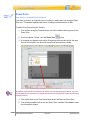
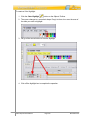
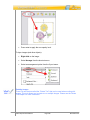
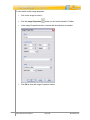
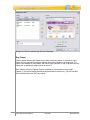
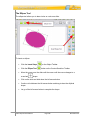
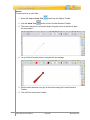
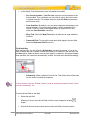
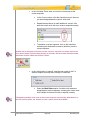
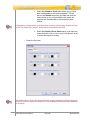
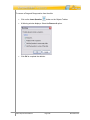
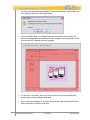
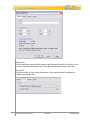
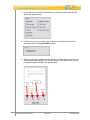
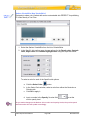
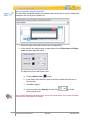
2. Click on an interval (tick mark) along the Timeline (for that slide) where you want
to “split” the slide.
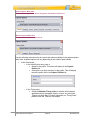
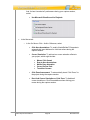
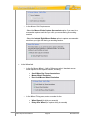
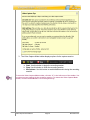
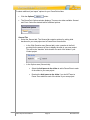
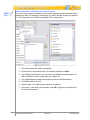
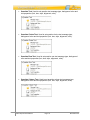
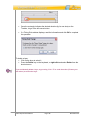
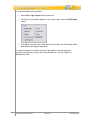
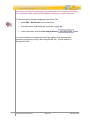
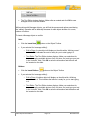
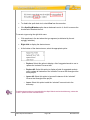
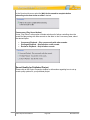
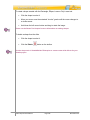
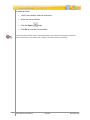
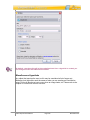
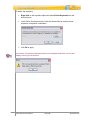
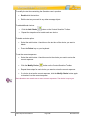
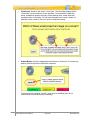
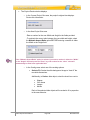
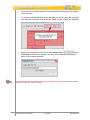
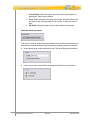
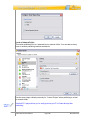
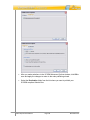
3. If prompted, click “Yes” to complete the split operation.
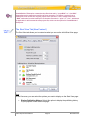
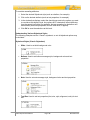
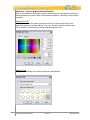
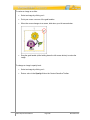
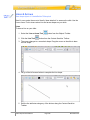
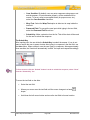
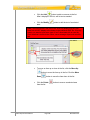
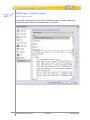
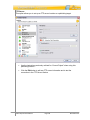
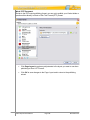
4. Repeat the steps above as needed for each split.
VB7 Enterprise User Manual
Page 139
November 2011