1
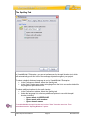
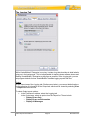
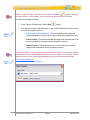
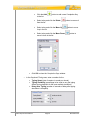
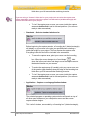
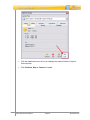
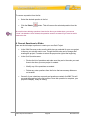
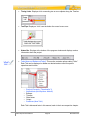
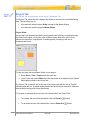
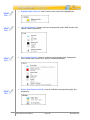
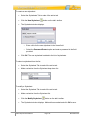
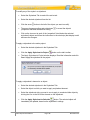
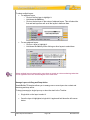
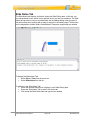
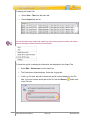
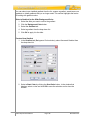
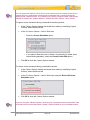
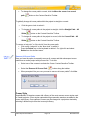
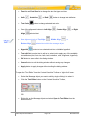
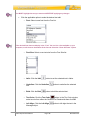
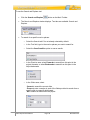
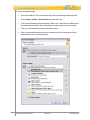
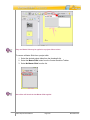
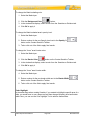
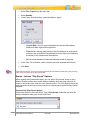
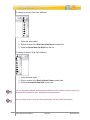
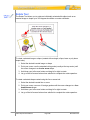
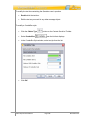
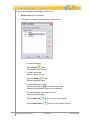
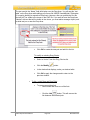
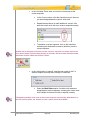
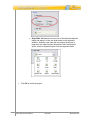
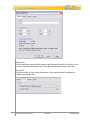
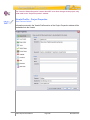
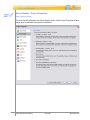
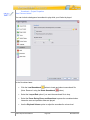
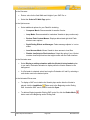
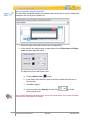
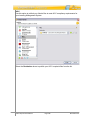
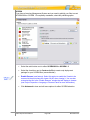
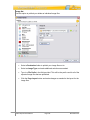
To change an arrow’s “Start Cap” attributes:
1. Select the arrow object.
2. Enter a number in the Start Cap Scale Factor number field.
3. Select an Arrow Start Cap Style from the list.
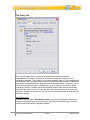
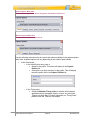
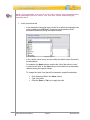
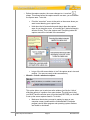
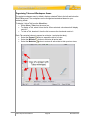
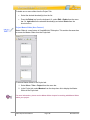
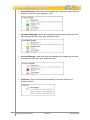
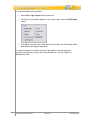
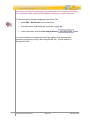
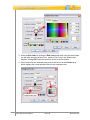
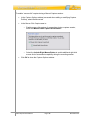
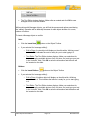
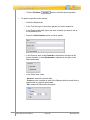
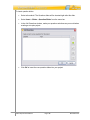
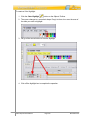
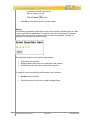
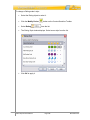
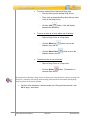
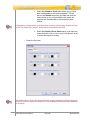
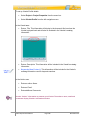
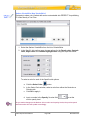
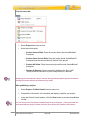
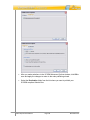
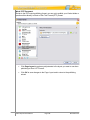
To change an arrow’s “End Cap” attributes:
1. Select an arrow object.
2. Enter a number in the End Cap Scale Factor number field.
3. Select an Arrow End Cap Style from the list.
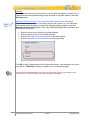
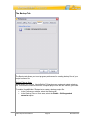
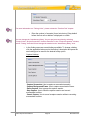
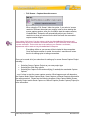
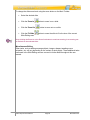
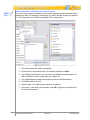
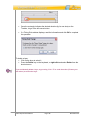
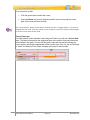
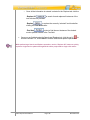
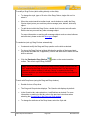
You can also add a Shadow, Events/Actions, Rollovers and Sounds to any line. Please see
the applicable chapters for more information on these features.
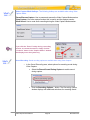
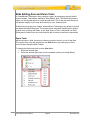
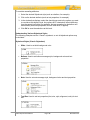
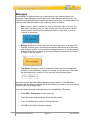
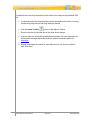
You can rotate a line or arrow. For more information, see the Rotate Tool chapter.
VB7 Enterprise User Manual
Page 257
November 2011