1
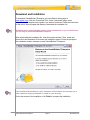
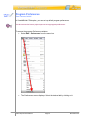
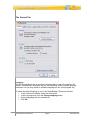
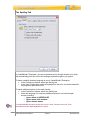
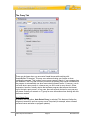
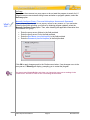
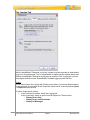
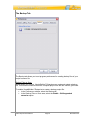
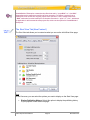
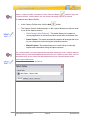
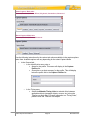
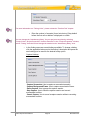
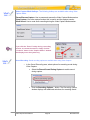
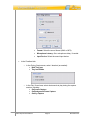
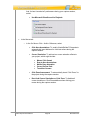
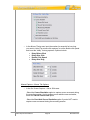
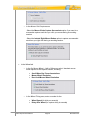
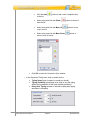
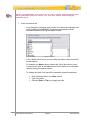
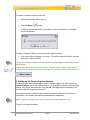
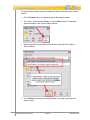
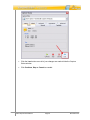
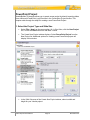
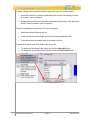
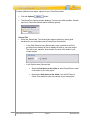
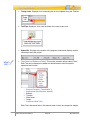
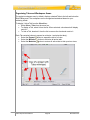
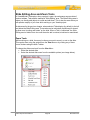
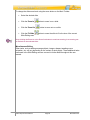
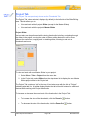
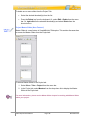
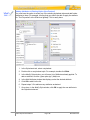
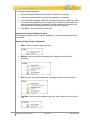
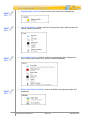
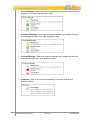
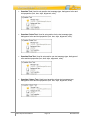
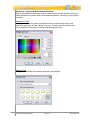
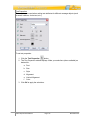
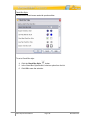
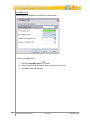
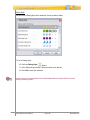
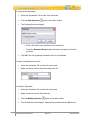
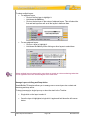
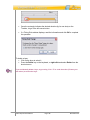
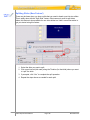
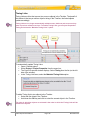
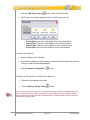
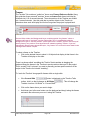
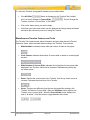
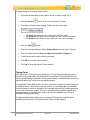
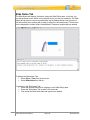
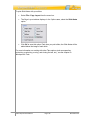
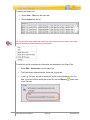
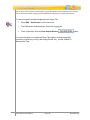
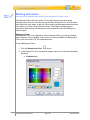
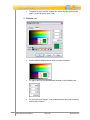
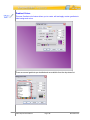
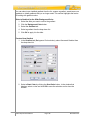
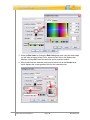
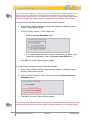
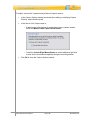
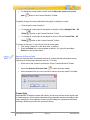
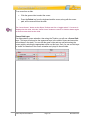
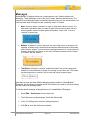
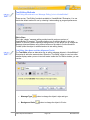
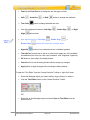
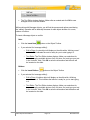
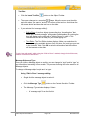
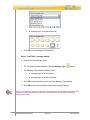
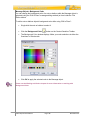
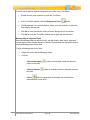
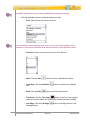
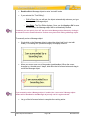
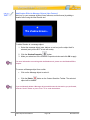
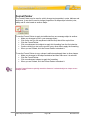
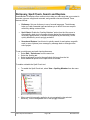
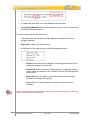
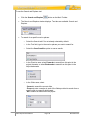
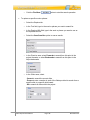
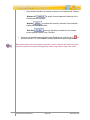
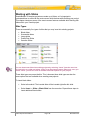
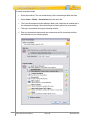
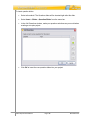
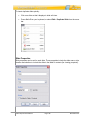
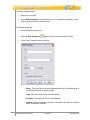
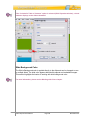
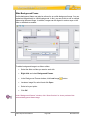
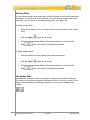
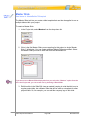
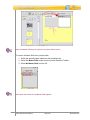
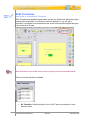
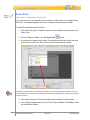
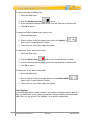
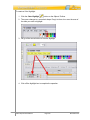
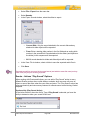
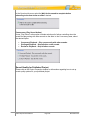
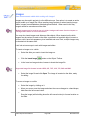
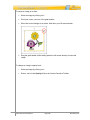
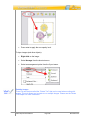
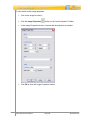
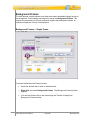
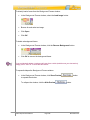
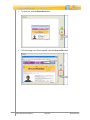
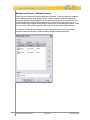
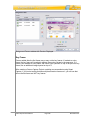
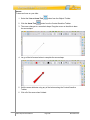
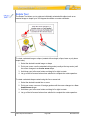
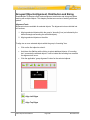
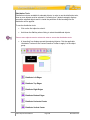
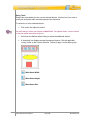
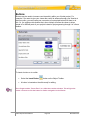
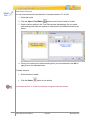
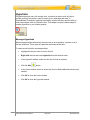
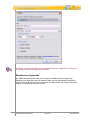
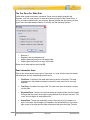
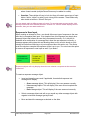
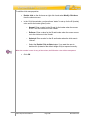
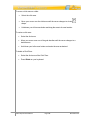
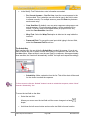
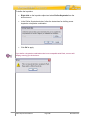
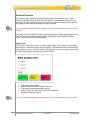
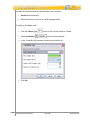
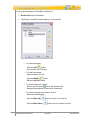
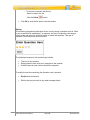
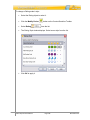
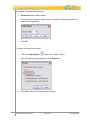
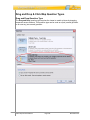
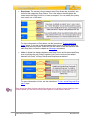
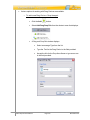
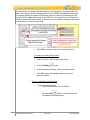
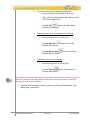
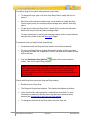
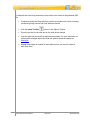
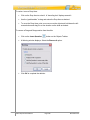
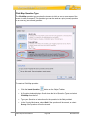
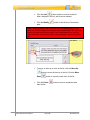
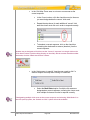
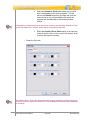
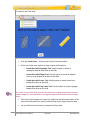
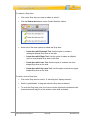
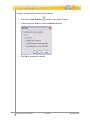
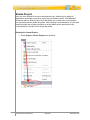
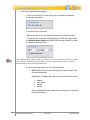
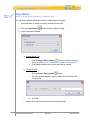
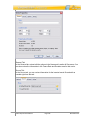
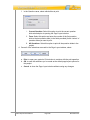
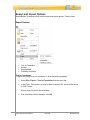
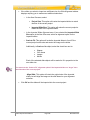
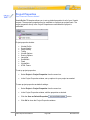
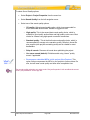
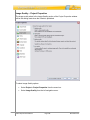
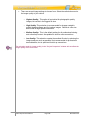
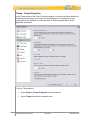
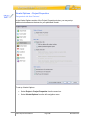
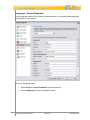
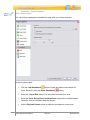
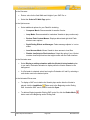
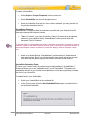
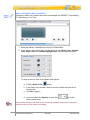
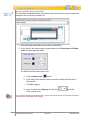
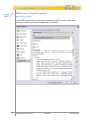
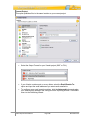
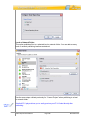
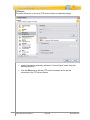
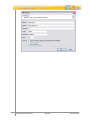
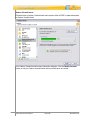
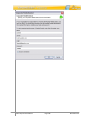
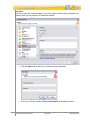
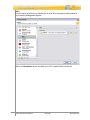
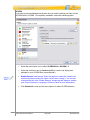
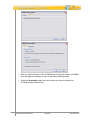
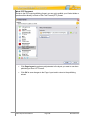
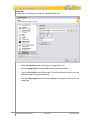
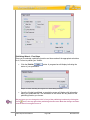
Hyperlinks A hyperlink allows a user, with a single click, to perform an action such as jump to another section of the project, open an email, go to a web page and more. In ViewletBuilder7 Enterprise, hyperlink functionality includes text links and the ability to make other objects work as “clickable” links. This chapter covers the basics steps for creating hyperlinks in your Viewlet projects. Message Hyperlinks While message objects themselves cannot be set up as a hyperlink, a portion or all of the text inside can. These types of hyperlinks are known as text links. To create a text link within a message object: Highlight the text you want to use for the link. Right click the text and select Hyperlink from the shortcut menu. In the Hyperlink window, make sure the On Click tab is selected. Click the Add In the Action window, select an action from the list. Make additional selections as needed. Click OK to close the Action window. Click OK to close the Hyperlink window. VB7 Enterprise User Manual button. Page 275 November 2011