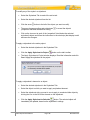
1
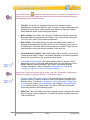
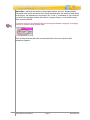
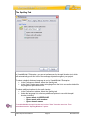
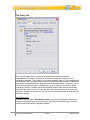
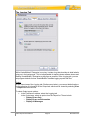
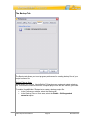
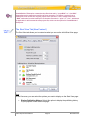
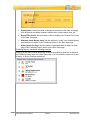
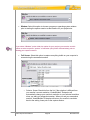
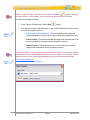
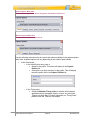
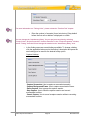
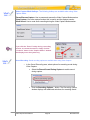
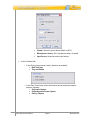
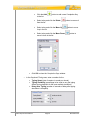
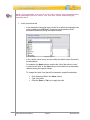
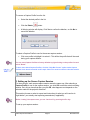
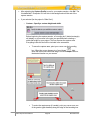
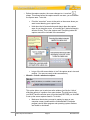
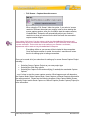
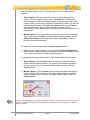
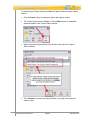
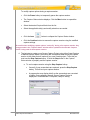
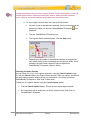
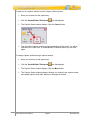
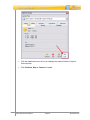
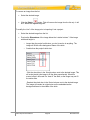
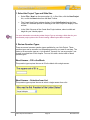
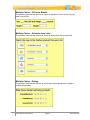
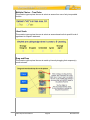
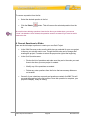
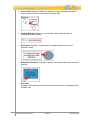
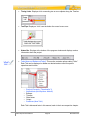
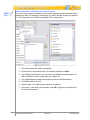
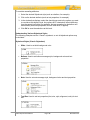
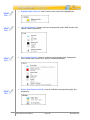
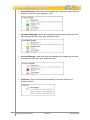
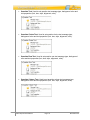
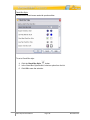
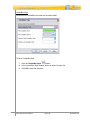
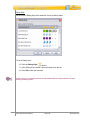
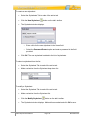
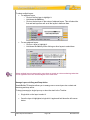
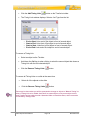
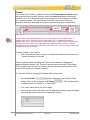
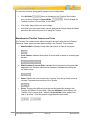
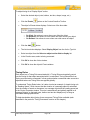
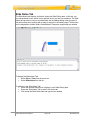
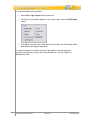
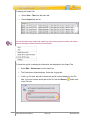
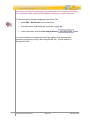
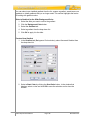
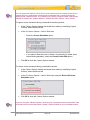
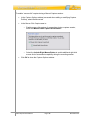
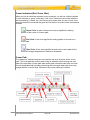
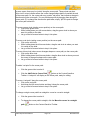
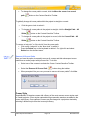
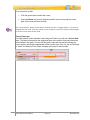
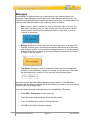
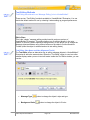
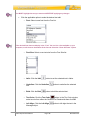
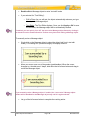
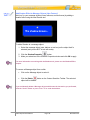
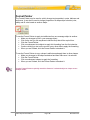
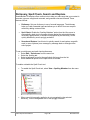
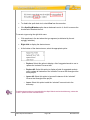
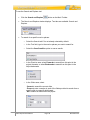
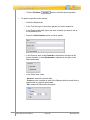
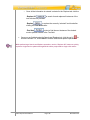
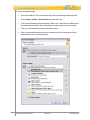
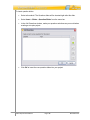
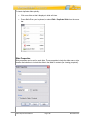
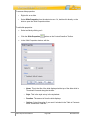
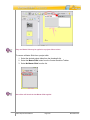
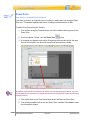
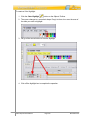
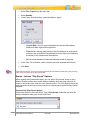
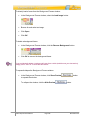
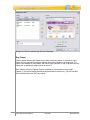
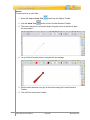
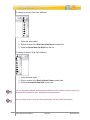
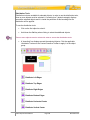
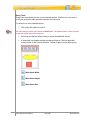
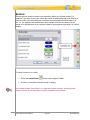
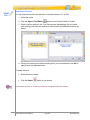
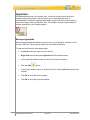
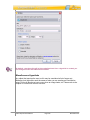
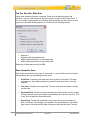
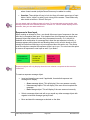
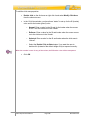
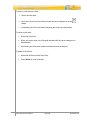
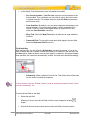
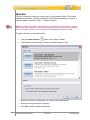
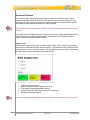
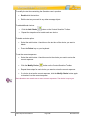
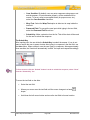
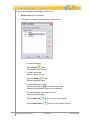
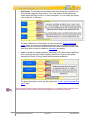
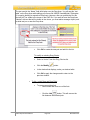
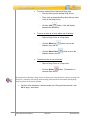
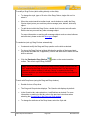
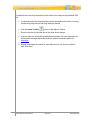
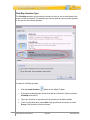
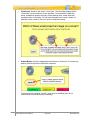
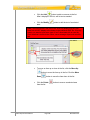
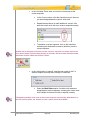
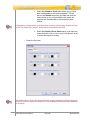
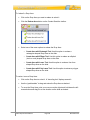
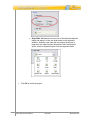
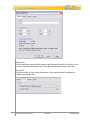
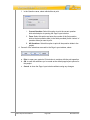
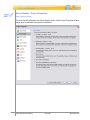
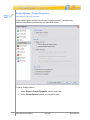
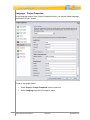
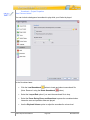
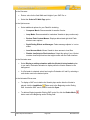
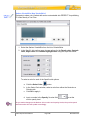
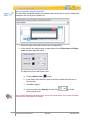
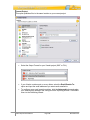
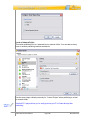
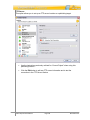
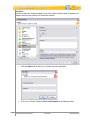
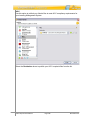
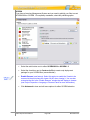
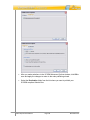
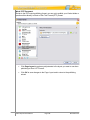
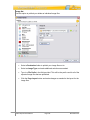
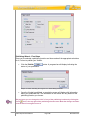
In the Click Map Zones area, to set one or more areas as the correct response: In the Correct column, click the check box next to the area you want designated as the correct “click area”. Repeat the step above for each additional “correct” click area the viewer must click on in order to respond correctly. To deselect a correct response, click on the check box containing the checkmark to remove (deselect) it as the correct response. Another way to designate a Click Area as the “Correct” response is to single click on the Click Area to select it (while editing directly on the slide). On the context sensitive toolbar that loads, click the “Mark Area Correct” button. In the Options area, to specify “how the user needs to click” in order to respond correctly when clicking on selections: Select the Multi Select option if multiple click areas are designated as correct responses, meaning the viewer must click multiple click areas in order to respond correctly. If designating multiple click areas as the correct response and selecting “Multi Select” as the click (select) option, the “Submit on Click” option will not be available. VB7 Enterprise User Manual Page 327 November 2011