1
Figures
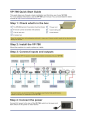
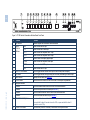
Figure 1: VP-790 Genlock Presentation Switcher/Scaler Front Panel
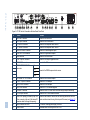
Figure 2: VP-790 Genlock Presentation Switcher/Scaler Rear Panel
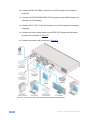
Figure 3: Connecting the VP-790 Genlock Presentation Switcher/Scaler
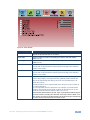
Figure 4: MENU Items
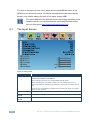
Figure 5: Input Screen
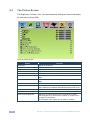
Figure 6: Picture Screen
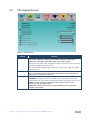
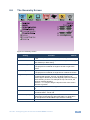
Figure 7: Output Screen
Figure 8: PIP Screen
Figure 9: Audio Screen
Figure 10: Geometry Screen
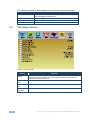
Figure 11: Setup Screen
Figure 12: Information Screen
Figure 13: Local Area Connection Properties Window
Figure 14: Internet Protocol (TCP/IP) Properties Window
Figure 15: Web Browser Address Bar
Figure 16: Web Browser Address Bar
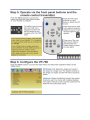
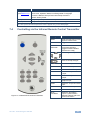
Figure 17: Infrared Remote Control Transmitter
Figure 18: Welcome Window
Figure 19: Choose Destination Location Window
Figure 20: Confirm Installation
Figure 21: Installation Progress Window
Figure 22: Installation Complete Window
Figure 23: Updater Tool Window
ii
6
7
10
11
12
14
15
18
21
23
24
26
28
29
29
30
31
32
33
33
34
34
35
VP-790 - Contents