1
User’s Manual
3.3.22
TIME SETTING
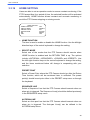
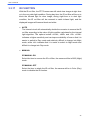
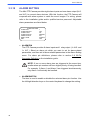
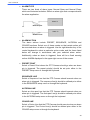
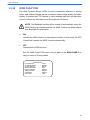
The time setting function is used to set the TIME related parameters of the
PTZ Camera. Each item in the menu is listed as follows.
TIME SETTING
TIME DISPLAY
SET YEAR
SET MONTH
SET DAY
SET HOUR
SET MINUTE
EXIT+SAVE
OFF
00
01
00
00
00
YES
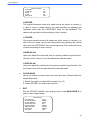
• TIME DISPLAY
Select <ON> to display Time information on the screen or <OFF> not to
display.
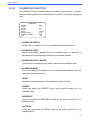
• YEAR / MONTH / DAY
The items are for setting up the system date.
• HOUR / MINUTE
The items are for setting up the system time.
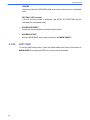
• EXIT+SAVE
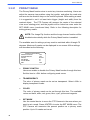
Exit the TIME SETTING menu and go back to the MAIN PAGE 3 to carry
on setup of schedule.
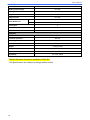
MAIN PAGE 3
IR FUNCTION
AUTO
ALARM SETTING
ENTER
ALARM DETECT
NONE
WDR FUNCTION
NONE
PRIVACY MASK
ENTER
TIME SETTING
ENTER
SCHEDULE
ENTER
EXIT OSD
YES
50