1
Page 130
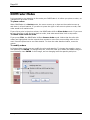
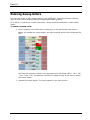
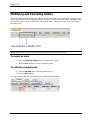
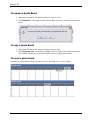
To remove a Quote Board
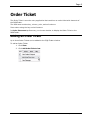
1. Right-click the tab for the quote board you want to close.
2. Click Close Tab. If the page contains quote data, you are prompted to confirm the
action.
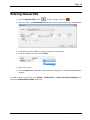
To copy a Quote Board
1. Right-click the tab for the quote board you want to copy.
2. Click Replicate Tab. The window is added to the far right of the quote board area.
The window contains all of the quote data from the original quote board.
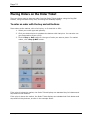
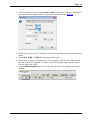
To move a quote board
Click the tab of the quote board you want to move, and drag it to its new location.
Viewing Quote Data