1
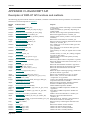
D3PLOT
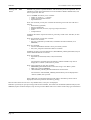
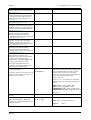
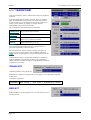
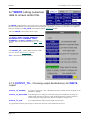
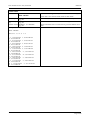
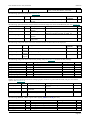
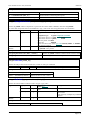
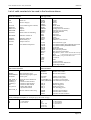
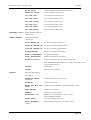
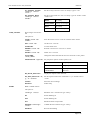
D3PLOT_CACHE_DATA
User manual Version 10.0, June 2011
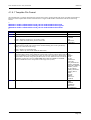
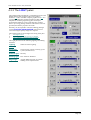
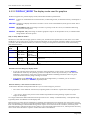
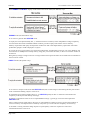
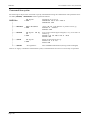
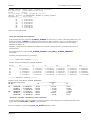
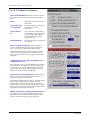
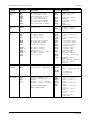
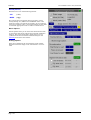
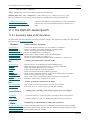
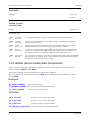
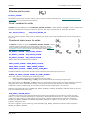
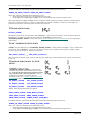
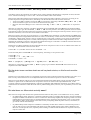
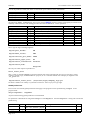
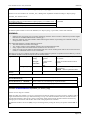
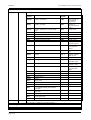
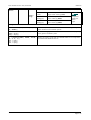
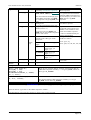
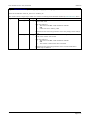
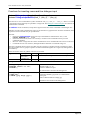
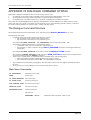
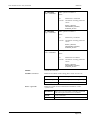
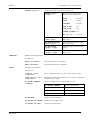
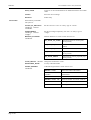
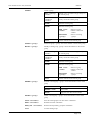
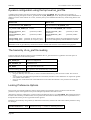
Default setting of the "CACHE_DATA"
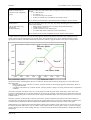
database switch. This controls whether or not
D3PLOT attempts to store all data read from
disk in its own core image. This setting can be
changed manually during execution.
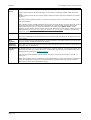
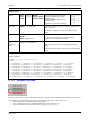
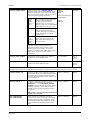
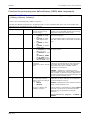
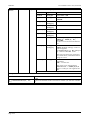
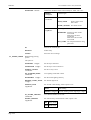
full
(was
true
prior to
V8.3)
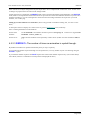
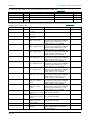
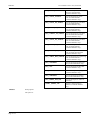
Stores all data read from disk in
memory until the database
caching memory limits are
reached. This can use a lot of
memory and is not recommended
unless disk access is very slow.
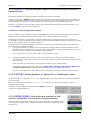
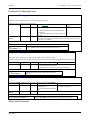
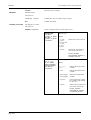
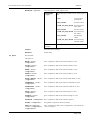
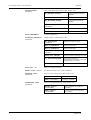
scalar
Stores basic nodal coordinates
and the current component’s
"scalar" data only. A reasonable
trade-off between speed and
memory size.
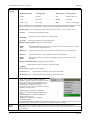
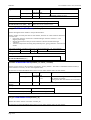
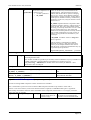
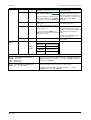
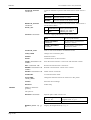
full
scalar
off
scalar
(Also, for backwards
compatibility:
true
false
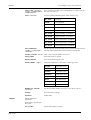
off
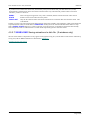
Only basic nodal coordinate data
(was
are stored. Saves memory but
false
may make data-bearing plots
prior to
slow to modify.
v8.3)
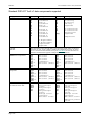
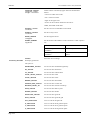
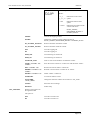
Generally Unix systems are better at cacheing
disk data in spare system memory than
Windows systems, making "disk" rereads
faster since they are actually copied from
memory. This makes the "off" option viable
under Unix - however you may need to
experiment.
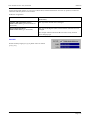
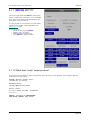
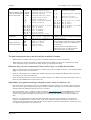
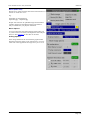
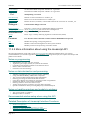
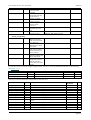
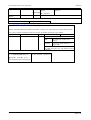
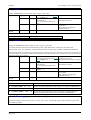
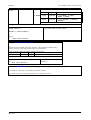
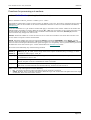
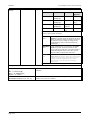
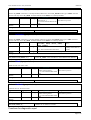
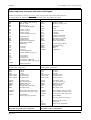
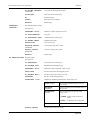
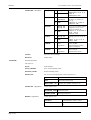
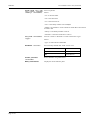
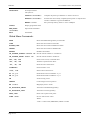
D3PLOT_SOFT_LIMIT
Controls the amout of memory (in MB) set
aside for the "soft" database limit
1 to 2048 MB
60% of
system
memory
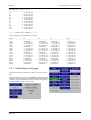
D3PLOT_HARD_LIMIT
Controls the amout of memory (in MB) set
aside for the "hard" database limit
1 to 2048 MB
80% of
system
memory
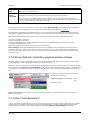
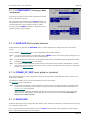
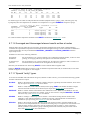
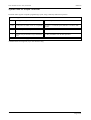
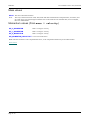
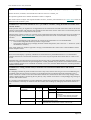
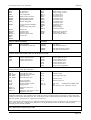
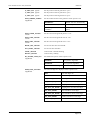
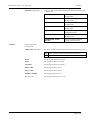
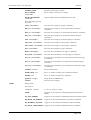
The following variables set special parameters for data file reading and management, and are not normally used.
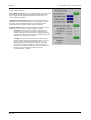
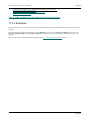
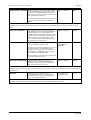
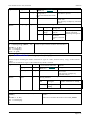
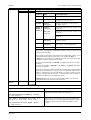
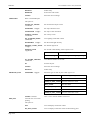
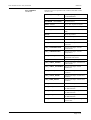
D3PLOT_SOLID_SE
Controls whether or not D3PLOT calculates
strain energy density for solid elements. Doing
this makes the assumption that the elements
have not entered the plastic strain regime, so it
is not normally set.
true or false
false
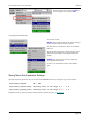
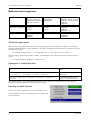
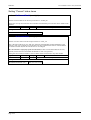
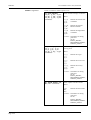
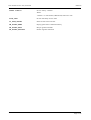
D3PLOT_SOLID_8
Analyses containing 8 integration points worth
of data for solid elements are processed
(NINTSLD = 8 on *DATABASE EXTENT
BINARY), but only the first integration point is
normally considered. If this flag is set then
limited support for all 8 integration points is
provided.
true or false
false
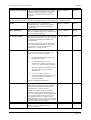
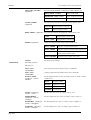
true or false
false
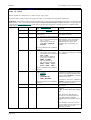
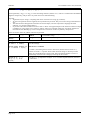
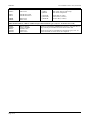
This facility is only partially implemented and
should not be relied on.
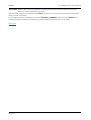
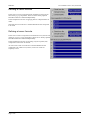
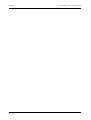
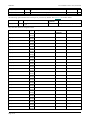
PTF_CONTIGUOUS
CTF_CONTIGUOUS
Page A.28
Some versions of LS-DYNA sometimes
contravene the rules for starting a new family
member, and write data contiguously across
file boundaries when they should not. Setting
these variables may enable such files to be
read.