1
D3PLOT
User manual Version 10.0, June 2011
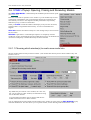
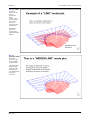
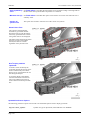
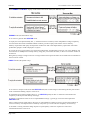
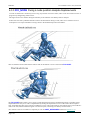
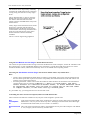
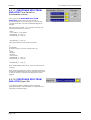
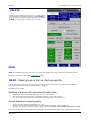
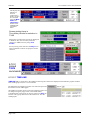
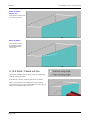
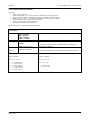
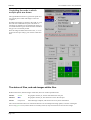
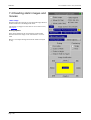
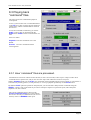
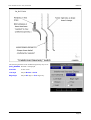
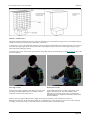
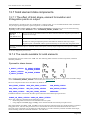
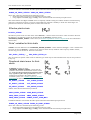
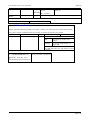
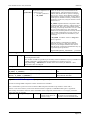
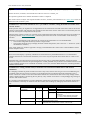
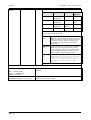
Using a fixed
reference state
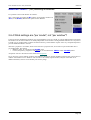
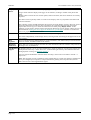
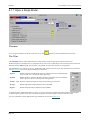
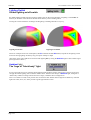
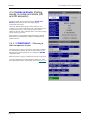
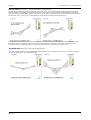
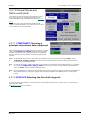
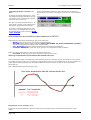
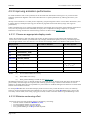
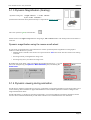
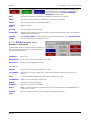
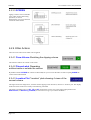
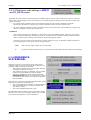
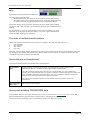
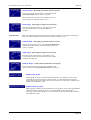
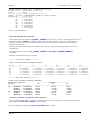
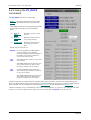
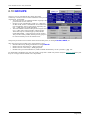
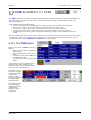
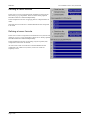
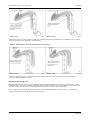
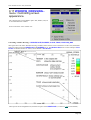
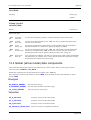
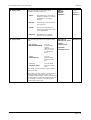
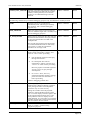
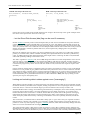
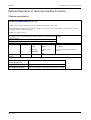
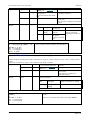
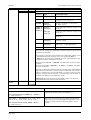
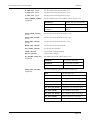
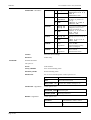
This is the default case, invariably used when plotting data relative to the current model.
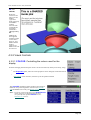
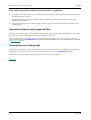
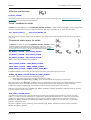
Using the
"current" state
This meaningless if the reference model is the current model, since results will always be zero.
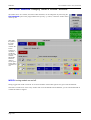
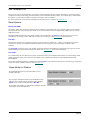
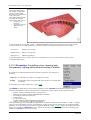
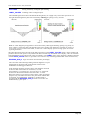
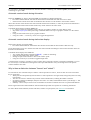
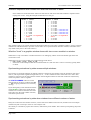
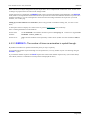
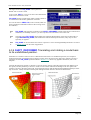
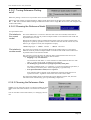
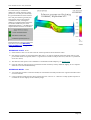
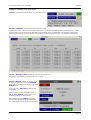
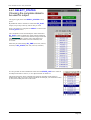
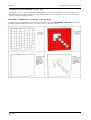
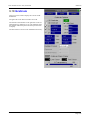
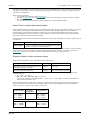
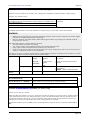
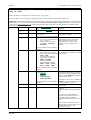
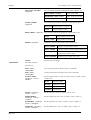
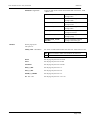
You simply select a valid state from the model, and this is used as the reference state. It is
perfectly legal to select a fixed state from a different model too.
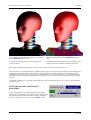
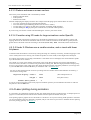
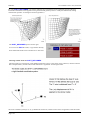
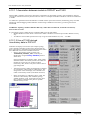
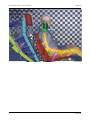
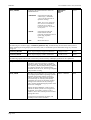
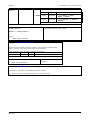
But if plotting relative to a different reference model it is a powerful tool, especially during
animations:
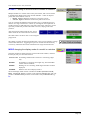
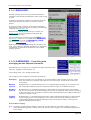
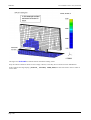
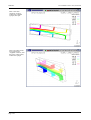
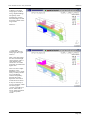
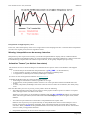
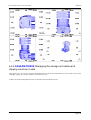
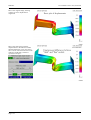
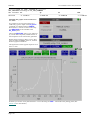
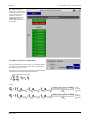
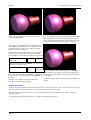
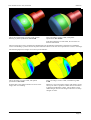
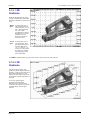
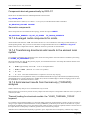
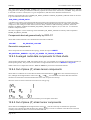
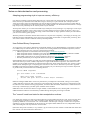
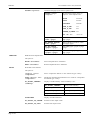
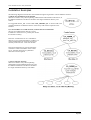
For each state <i> the data from the equivalent state <i> in
the reference model is subtracted.
This means that you can see how the differences between two models vary over time.
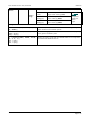
Obviously it is important to make sure that the states in the two models have the same times,
as no check is made for time equivalence.
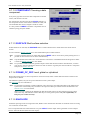
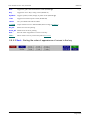
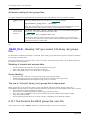
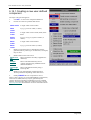
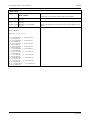
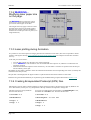
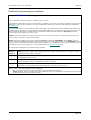
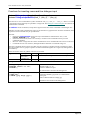
6.3.6.4 Choosing what Reference data
applies to.
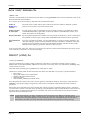
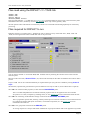
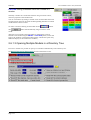
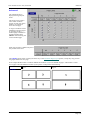
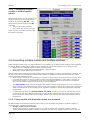
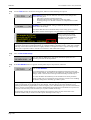
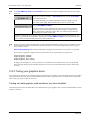
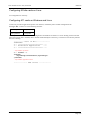
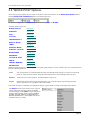
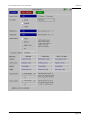
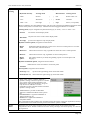
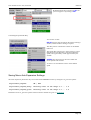
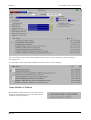
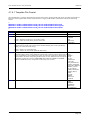
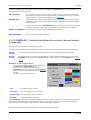
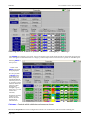
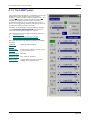
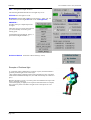
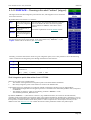
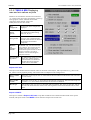
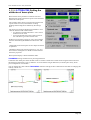
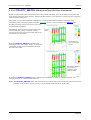
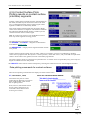
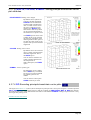
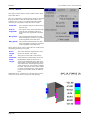
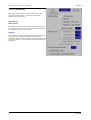
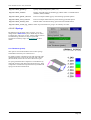
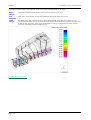
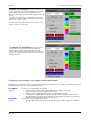
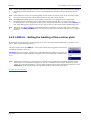
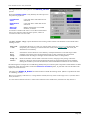
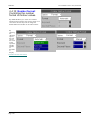
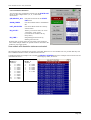
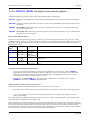
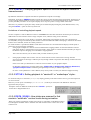
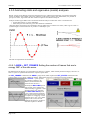
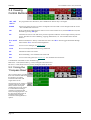
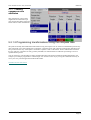
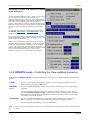
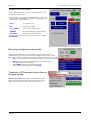
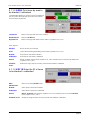
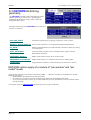
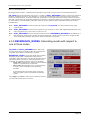
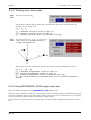
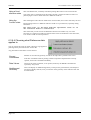
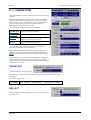
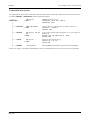
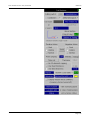
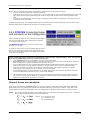
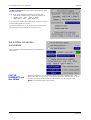
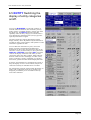
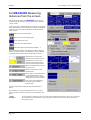
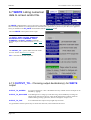
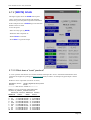
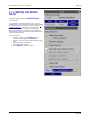
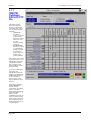
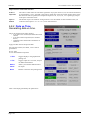
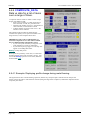
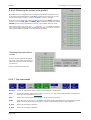
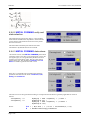
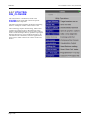
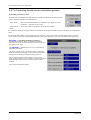
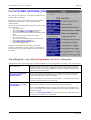
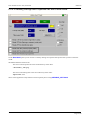
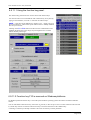
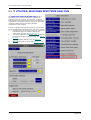
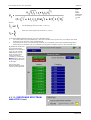
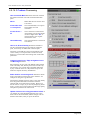
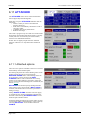
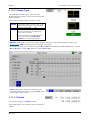
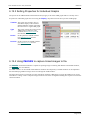
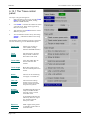
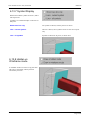
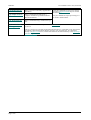
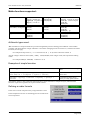
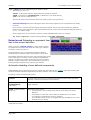
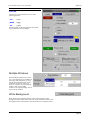
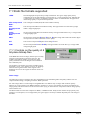
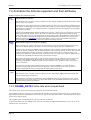
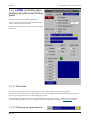
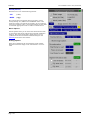
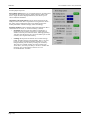
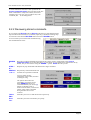
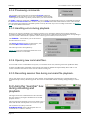
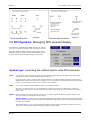
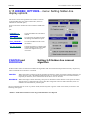
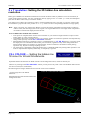
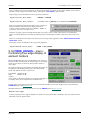
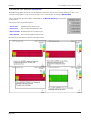
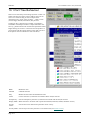
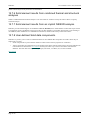
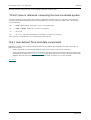
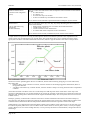
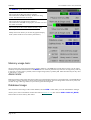
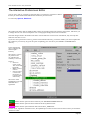
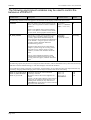
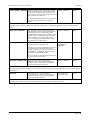
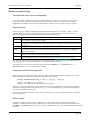
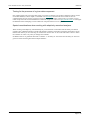
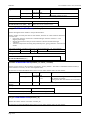
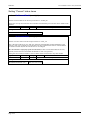
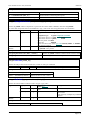
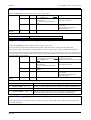
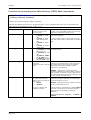
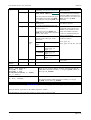
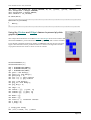
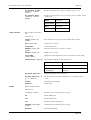
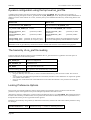
You can control the extent to which "reference" logic applies to
plotted geometry and contoured or written data.
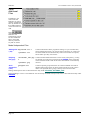
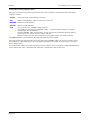
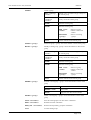
Any permutation of the below can be selected.
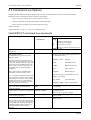
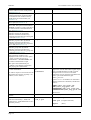
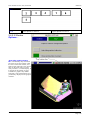
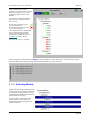
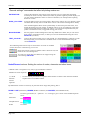
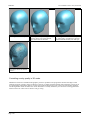
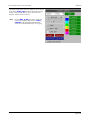
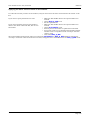
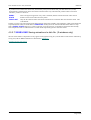
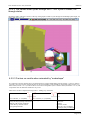
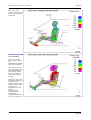
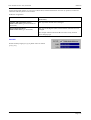
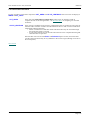
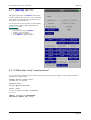
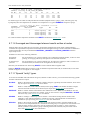
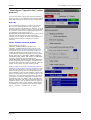
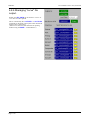
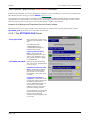
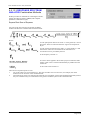
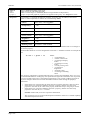
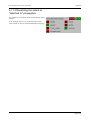
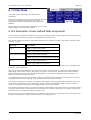
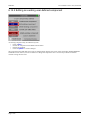
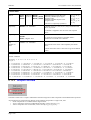
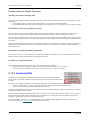
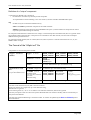
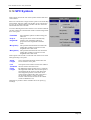
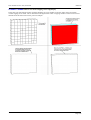
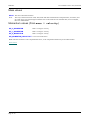
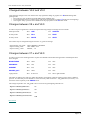
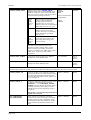
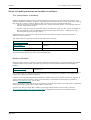
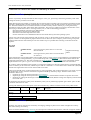
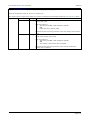
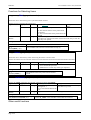
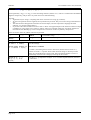
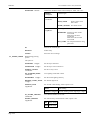
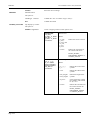
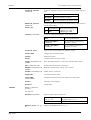
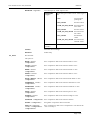
Current
Coordinates
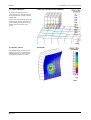
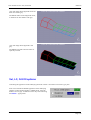
Whether or not reference geometry is used for the shape that is plotted on the screen.
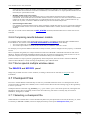
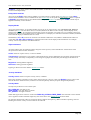
Data Values
These are the values contoured, vector plotted, written by the WRITE command and
reported by XY_DATA.
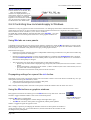
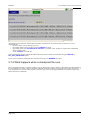
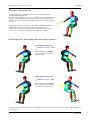
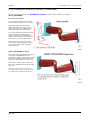
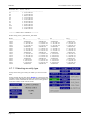
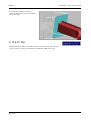
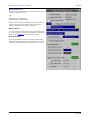
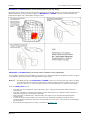
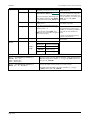
Undeformed
Geometry
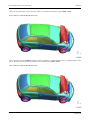
This is the display of undeformed geometry on the plot only (when drawn). Normally this
will always display state #0, but if you turn this on the geometry of the reference state will
be used instead.
Page 6.32
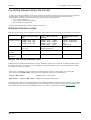
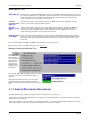
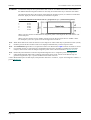
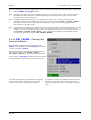
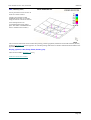
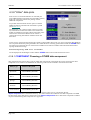
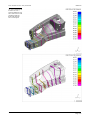
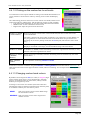
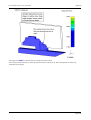
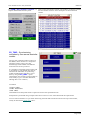
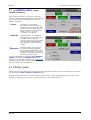
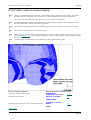
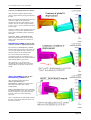
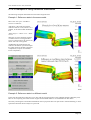
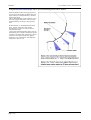
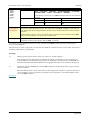
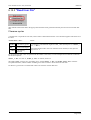
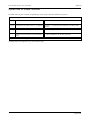
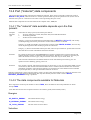
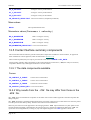
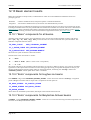
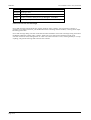
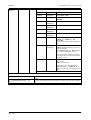
Note that "coordinates used for plotting" and the component "displacements" are kept
separate, and can be controlled individually.