1
Fugro Intersite Ltd
GeoSkyII
User Manual
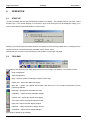
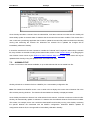
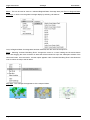
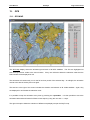
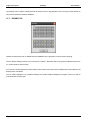
Beam - This can be used to zoom to a selected Regional Beam Coverage area (see Zoom to Regional Beam
Coverage), or back out to the global coverage display by selecting “All Stations”.
Only if a Regional Beam Coverage area has been selected, then the user has the option to...
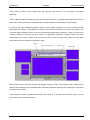
Zoom - Selecting "Activate Click/Drag Zoom" changes the cursor to a cross. Holding the left mouse button
down and dragging the cursor encloses an area that will be zoomed into upon the subsequent release of the
left mouse button. Once zoomed in, a further option appears under "Activate Click/Drag Zoom" that allows the
user to restore the map to the full beam.
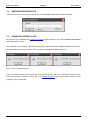
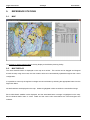
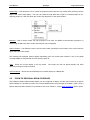
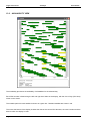
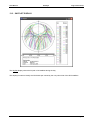
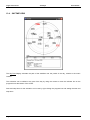
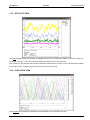
Map Style - This changes the appearance of the map as follows.
“Normal”
Page 16
“Textured”
29 June 2009
“Lined”
Revision 7