1
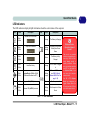
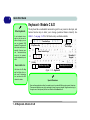
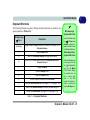
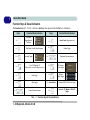
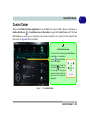
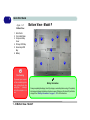
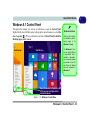
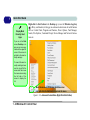
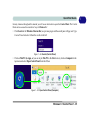
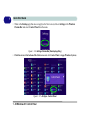
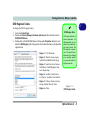
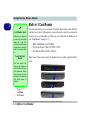
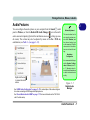
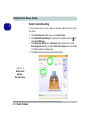
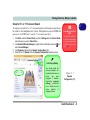
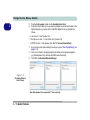
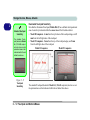
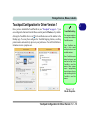
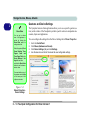
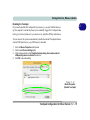
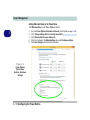
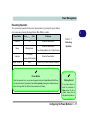
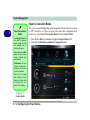
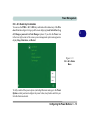
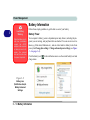
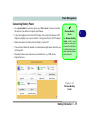
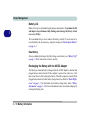
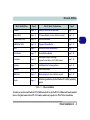
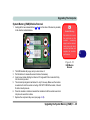
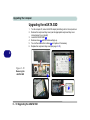
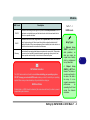
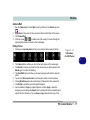
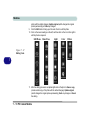
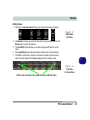
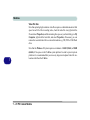
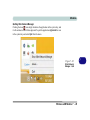
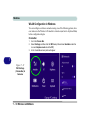
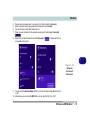
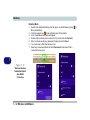
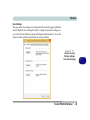
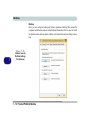
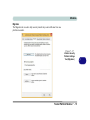
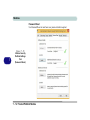
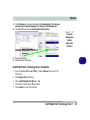
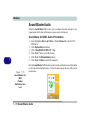
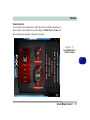
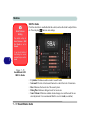
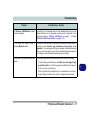
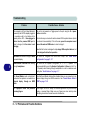
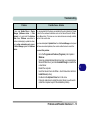
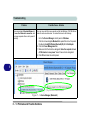
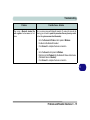
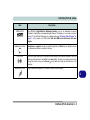
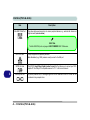
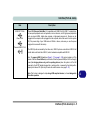
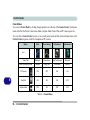
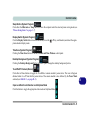
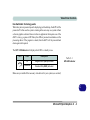
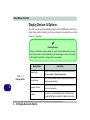
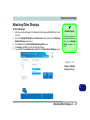
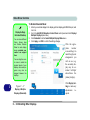
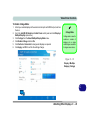
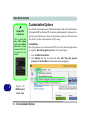
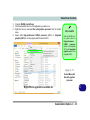
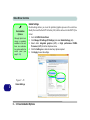
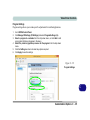
Power Management Resuming Operation You can resume operation from power-saving states by pressing the power button, or in some cases pressing the sleep button (Fn + F4 key combo). Power Status Icon 3 To Resume Color Table 3 - 1 Power Off Off Press the Power Button Press the Power Button Sleep Blinking Green Resuming Operation Press the Sleep Button (Fn + F4 Key Combo) Off (battery) Hibernate Press the Power Button Orange (AC/DC adapter) Display Turned Off Green Press a Key or Move the Mouse/Touchpad Power Button When the computer is on, you can use the power button as a Sleep/Hibernate/Shut Down hot key button when it is pressed for less than 4 seconds (pressing and holding the power button for longer than this will force the computer to shut down). Closing the Lid If you have chosen to send the computer to Sleep when the lid is closed, raising the lid will wake the system up. Configuring the Power Buttons 3 - 11