1
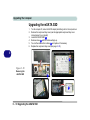
Upgrading The Computer
Upgrading the Optical Device (Models E & F)
1.
2.
3.
4.
5.
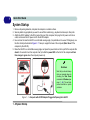
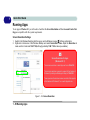
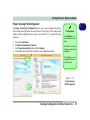
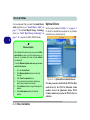
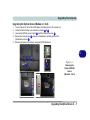
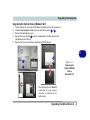
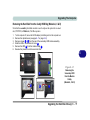
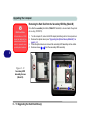
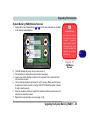
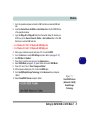
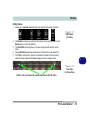
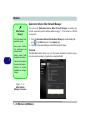
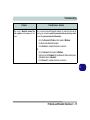
Turn the computer off, remove the AC/DC adapter (and battery) and turn the computer over.
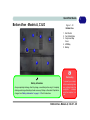
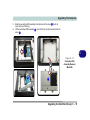
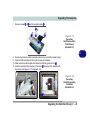
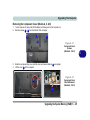
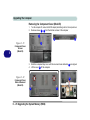
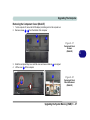
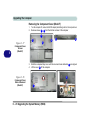
Locate the secondary hard disk bay cover and remove screws 1 & 2 .
Remove the hard disk bay cover.
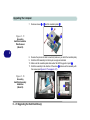
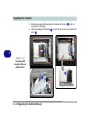
Remove the screw at point 3 , and use a screwdriver to carefully push out the
optical device out of the bay.
Reverse the process to install any new optical (CD/DVD) device.
6
3
1
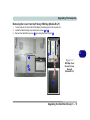
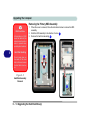
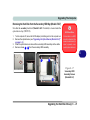
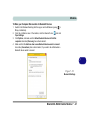
Figure 6 - 5
Removing the
Optical (CD/DVD)
Device
(Models E & F)
2
Note that though only Model F
is pictured, the cover removal
procedure is identical for all
both models.
Upgrading the Optical Device 6 - 9