1
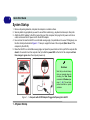
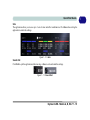
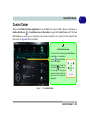
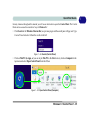
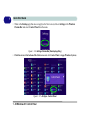
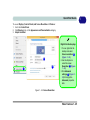
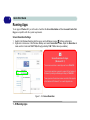
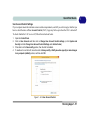
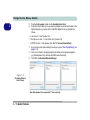
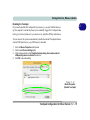
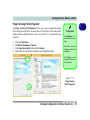
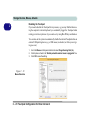
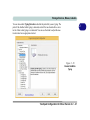
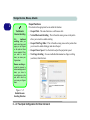
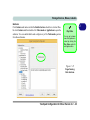
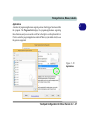
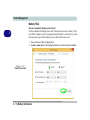
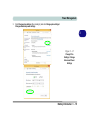
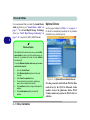
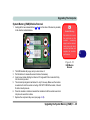
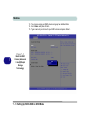
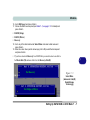
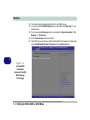
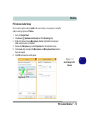
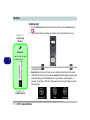
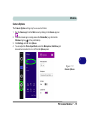
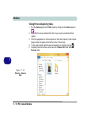
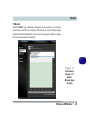
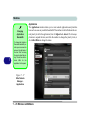
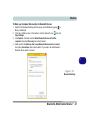
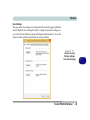
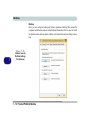
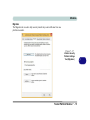
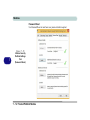
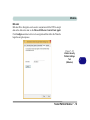
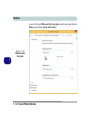
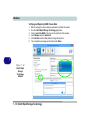
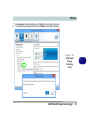
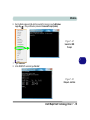
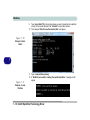
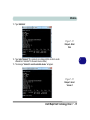
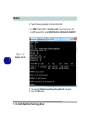
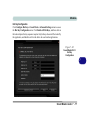
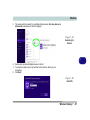
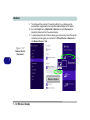
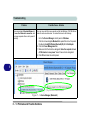
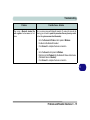
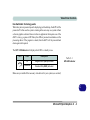
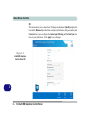
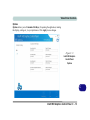
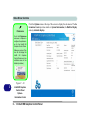
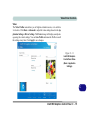
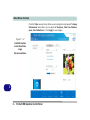
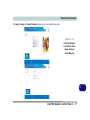
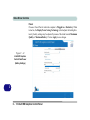
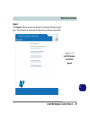
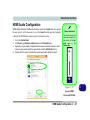
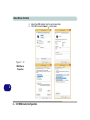
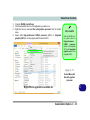
Video Driver Controls HDMI Audio Configuration HDMI (High-Definition Multimedia Interface) carries both audio and video signals. In some cases it will be necessary to go to the Sound control panel and manually configure the HDMI audio output as per the instructions below. 1. 2. 3. 4. Go to the Control Panel. Click Sound (Hardware and Sound) and click Playback (tab) Depending on your display, the playback device may be selected, however in some cases you may need to select the audio device and click Set Default (button). Double-click the device to access the control panel tabs illustrated overleaf. Volume Adjustment The sound volume level can be set using the volume control in the Settings menu in the Charms Bar. Figure C - 22 Sound - HDMI Device (set Default) HDMI Audio Configuration C - 27 C