1
Modules
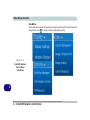
Intel® Rapid Storage Technology
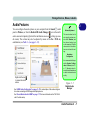
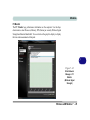
The Intel Rapid Storage Technology application provides high-performance
SATA and SATA RAID capabilities. Install the Intel Rapid Storage Technology
application (after installing all necessary drivers in the correct order) to support
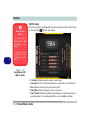
your RAID system or SATA drive if set up in AHCI mode in the BIOS (see “SATA
Mode (Advanced Menu)” on page 5 - 9).
7
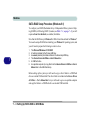
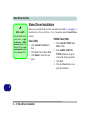
IRST Driver Installation
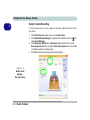
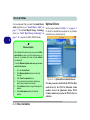
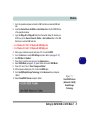
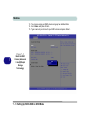
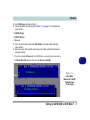
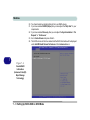
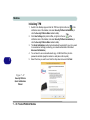
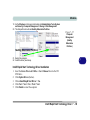
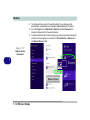
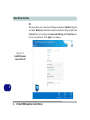
1. Insert the Device Drivers & Utilities + User’s Manual disc into the DVD
drive.
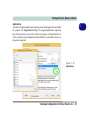
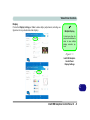
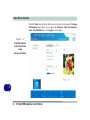
2. Click Option Drivers (button).
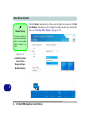
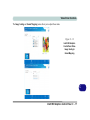
3. Click 5.Install IRST Driver > Yes.
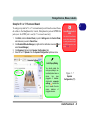
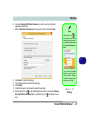
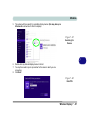
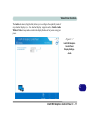
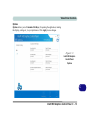
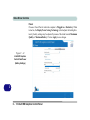
4. Click Next.
5. Click the check box to accept the license and click Next.
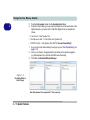
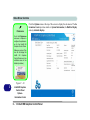
6. Click Next > Next > Next.
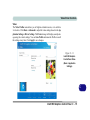
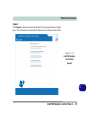
7. Click Finish to restart the computer.
See the following pages for more information if you have set your hard disks up in
a RAID configuration.
7 - 56 Intel® Rapid Storage Technology