1
Apian SurveyPro 4.0 User Guide
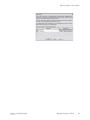
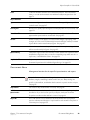
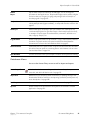
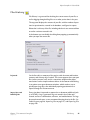
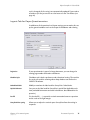
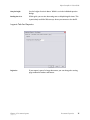
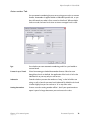
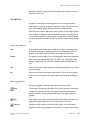
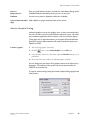
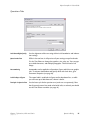
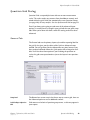
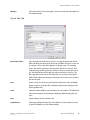
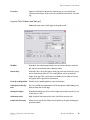
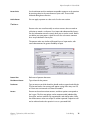
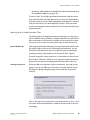
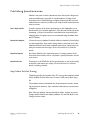
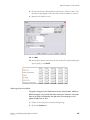
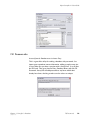
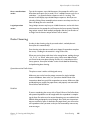
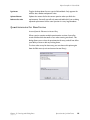
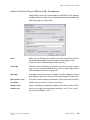
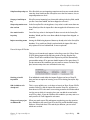
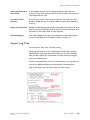
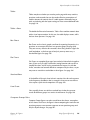
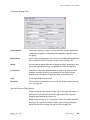
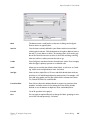
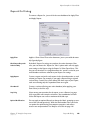
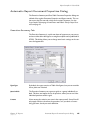
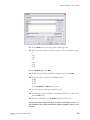
Scale Export Map/Name
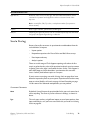
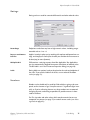
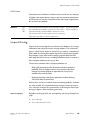
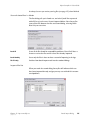
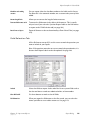
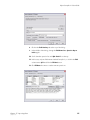
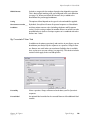
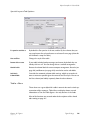
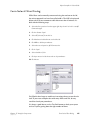
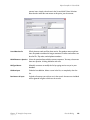
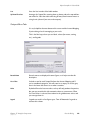
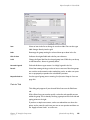
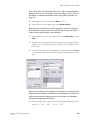
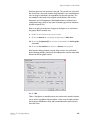
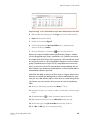
All the settings in both the General and Field Selection tabs can be saved
as Export Maps. Maps are linked to the file type for future use. If you want
to save your settings as an Export Map, type a name for your reference.
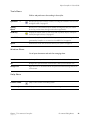
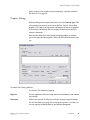
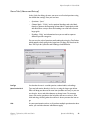
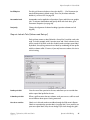
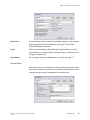
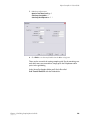
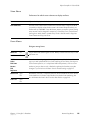
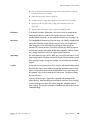
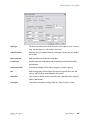
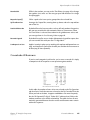
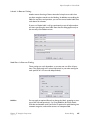
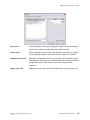
Export all scales (ST3/STL
only)
Exports all scales in the file, not just the ones used by the questions you're
exporting. This is very useful for creating templates.
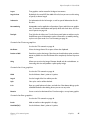
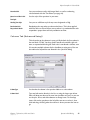
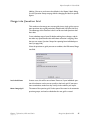
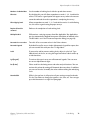
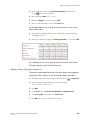
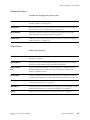
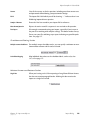
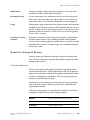
Data Forms to Export
Depending on the file type you will have an option of all forms, no forms,
or a sub-set determined by a Form Select Filter (see page 213).
Chapter 12 - Import and Export
January 15, 2007
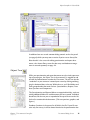
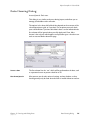
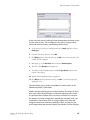
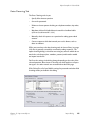
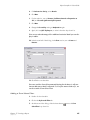
Export Dialog
161