1
Apian SurveyPro 4.0 User Guide
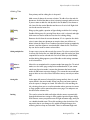
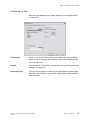
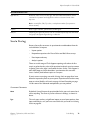
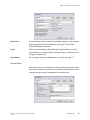
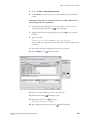
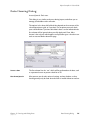
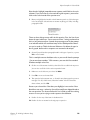
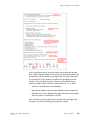
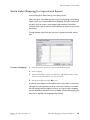
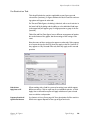
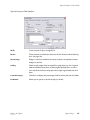
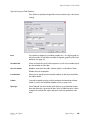
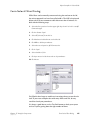
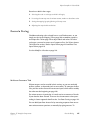
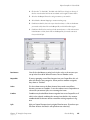
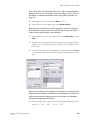
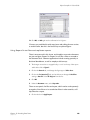
Stub List Dialog
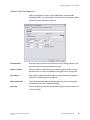
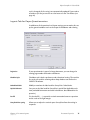
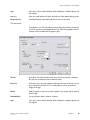
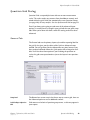
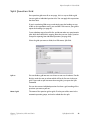
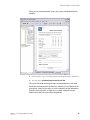
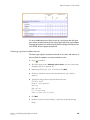
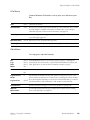
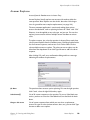
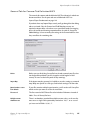
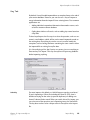
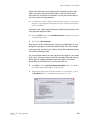
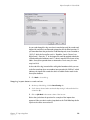
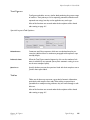
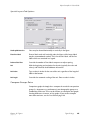
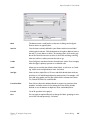
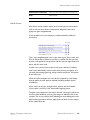
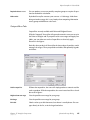
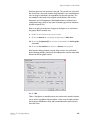
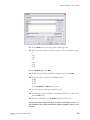
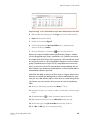
Stub lists are used to select multiple questions for inclusion in a text figure
or table. Unlike Question Groups, stub lists do not have to have compatible scales—you can assemble any combination you like. Stubs are not
named items, so if you'd like to reuse one, copy and paste the figure, then
make edits on the copy.
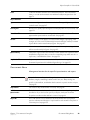
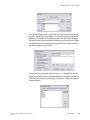
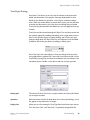
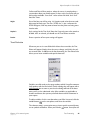
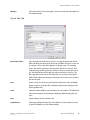
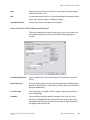
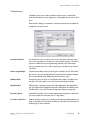
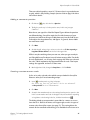
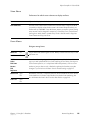
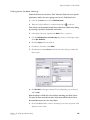
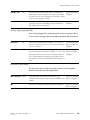
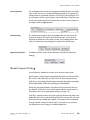
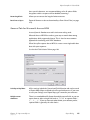
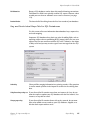
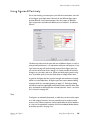
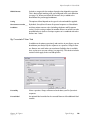
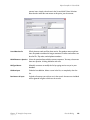
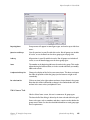
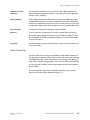
Add/Insert/Remove
Click to add and remove items from the master list of questions to the
stub list for this figure.
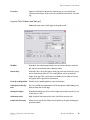
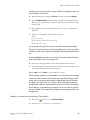
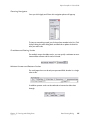
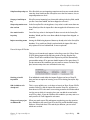
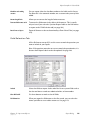
Questions and Groups
The list will display questions and groups, to be added to the Stub list. At
the bottom of the list, you can insert, modify and duplicate groups.
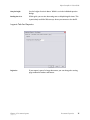
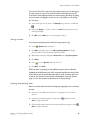
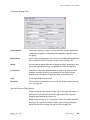
Items in this figure
Type edits directly into the grid rows. To rearrange items, click on the
gray box at the left of the row once to select it, then click and drag, releasing when the red line is where you want the item to go.
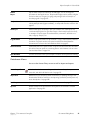
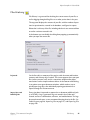
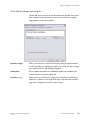
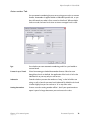
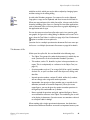
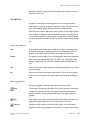
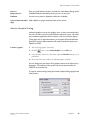
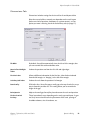
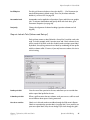
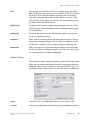
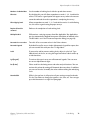
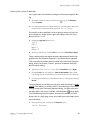
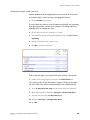
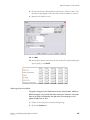
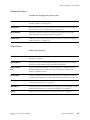
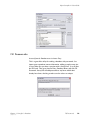
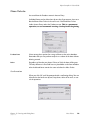
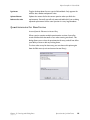
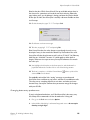
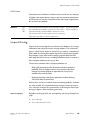
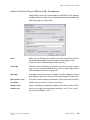
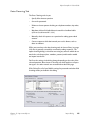
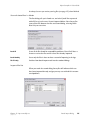
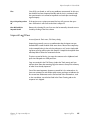
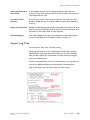
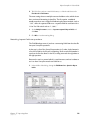
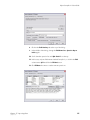
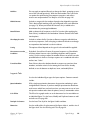
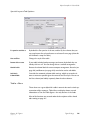
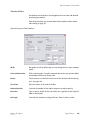
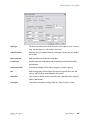
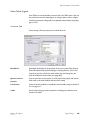
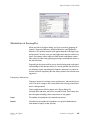
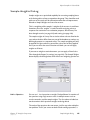
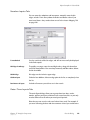
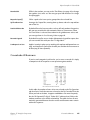
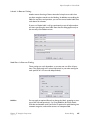
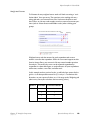
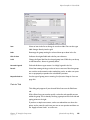
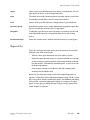
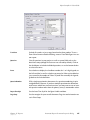
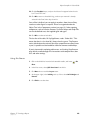
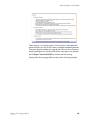
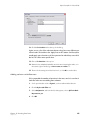
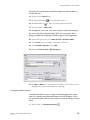
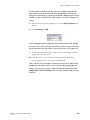
Clone Figures Dialog
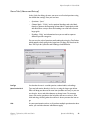
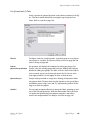
Accessed from the Insert menu.
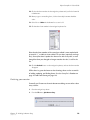
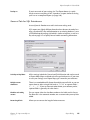
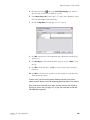
Use Clone Figure to quickly replicate a figure for several other primary
questions (the For Question tab). Note you can also copy/paste figures for
just one or two, and you can embed the results for several questions in a
single figure with Stubs (see page 206) or Groups (see page 228).
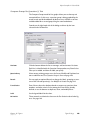
Unlike questions where copying and pasting between documents maintains a link (see page 83) copied figures are completely independent and
can be freely edited.
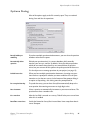
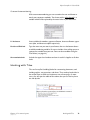
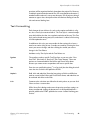
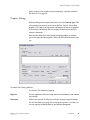
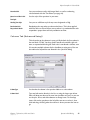
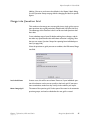
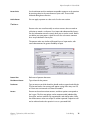
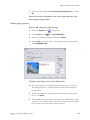
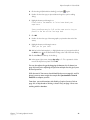
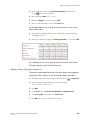
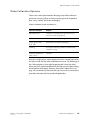
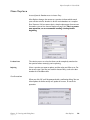
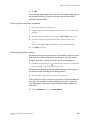
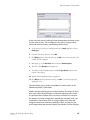
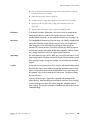
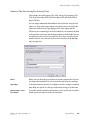
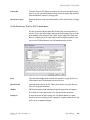
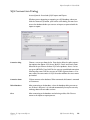
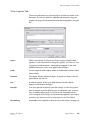
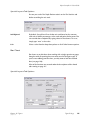
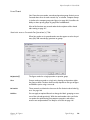
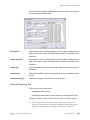
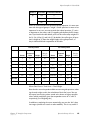
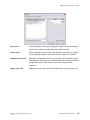
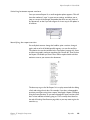
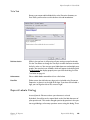
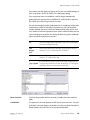
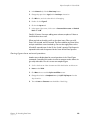
All you have to do is select the items you want to use in the right column,
decide whether you want a page break before each one (removable later
using the Breaks dialog), and click OK.
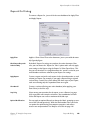
Chapter 14 - Figures
January 15, 2007
Stub List Dialog
206