1
Technical
A
IOFF
MESSAGE
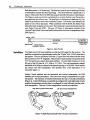
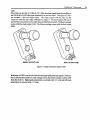
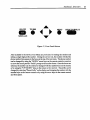
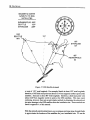
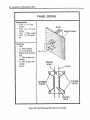
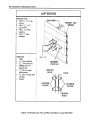
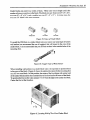
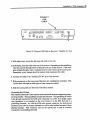
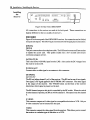
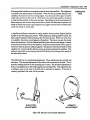
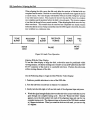
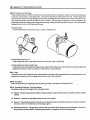
Figure 15, Front Panel Buttons
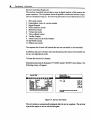
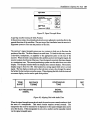
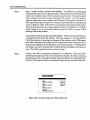
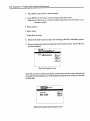
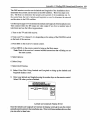
Also included in the Service Test Menu are previsions for testing the modem and
setting a single digit prefix number. During the service test, the modem will dial the
phone number that appears in the boxes at the top of the test menu. The phone number
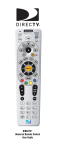
earl be changed by using the "DOWN" arrow keys on the remote control or receiver
to move the cursor past the "Prefix" prompt to the number boxes. Once the boxes are
selected, the number can be entered or changed with the number keys on the remote
or by using the "UP"/DOWN" keys on the remote or the receiver. The prefix can be
changed by selecting "Phone Prefix" on the display and changing the number with the
number keys on the remote control or by using the arrow keys on the remote control
and front panel.
Overview
21