1
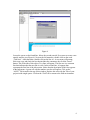
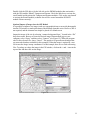
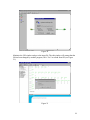
Figure 2
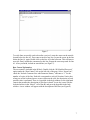
Creating a New Project
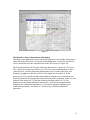
PCSWMM generates a folder for each project. Inside the folder, the project models are
created. Create a new folder: File/New/Create New Folder. Select the directory for the
location on the computer (using browse) and then type in a folder (project) name, and
then press “create folder.” Each model or element used in the model is called an “Object”
inside of the project.
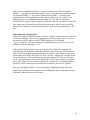
Figure 3
3