1
Overview
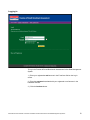
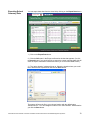
The Fountas & Pinnell Benchmark Online Data Management System allows you to
view and analyze summary assessment data and view reports on student
progress, as well as sort the data in multiple ways.
Text Level Goals
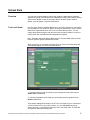
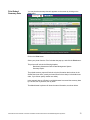
You can set Text Level Goals for any date range, allowing you to easily compare
actual results with expected results when viewing school summary data. These
goals define whether students are performing below, on, or above level.
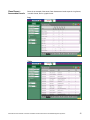
Summary Data
You can view summary data by school year, grade, the date range of a specific
assessment period, and Instructional or Independent reading level. Multiple sorting
options are available to view the summary data by students’ school, teacher,
gender, race, language, or special needs status.
Reports
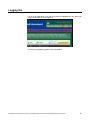
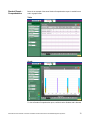
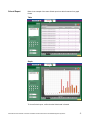
Reports from Assessment data can be generated with individual, class, or school
data, and can be displayed as graphs or tables. These reports allow you to
analyze assessment data, identify patterns, and track progress over time.
Manage Users
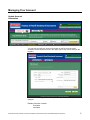
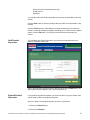
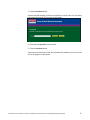
You can view teacher account information as well as manage a teacher’s access
to the application. District-Level Administrators can manage the accounts for
School-Level Administrators as well as for Teachers.
Administrator User’s Manual: Fountas & Pinnell Benchmark Assessment Online Data Management System ©
4