1
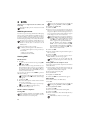
Switching SMS Reception On and Off
Switching SMS Reception Off
If you are using a cordless telephone with SMS function on
the same telephone line, then the specific device at which
you will receive an SMS message will depend on the specific manufacturer. Only one of the devices will receive the
SMS message. Try to turn off the SMS reception on your
cordless telephone. If this is not possible, switch off SMS
reception on the machine. You can continue to send SMS
messages even while SMS reception is switched off.
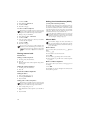
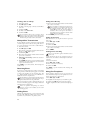
Switching SMS Reception Off
1 Press _, 45 and _.
2 Enter the service code 31207.
3 Confirm with _.
4 Use / to select SURE: YES.
5 Confirm with _.
If you have entered the incorrect code, you can
cancel the entry with SURE: NO.
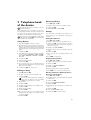
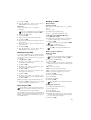
Switching SMS Reception On
1 Press _, 45 and _.
2 Enter the service code 41206.
3 Confirm with _.
4 Use / to select SURE: YES.
5 Confirm with _.
If you have entered the incorrect code, you can
cancel the entry with SURE: NO.
31