1
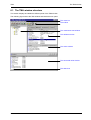
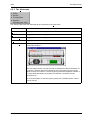
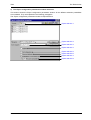
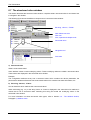
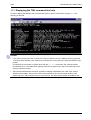
The TMA window
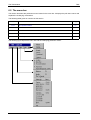
TMA
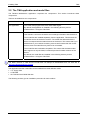
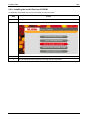
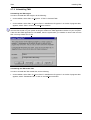
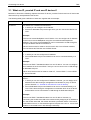
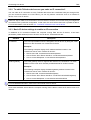
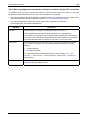
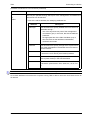
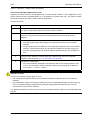
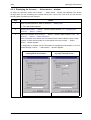
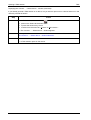
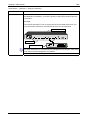
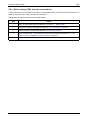
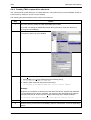
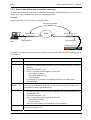
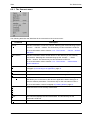
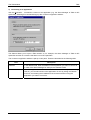
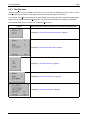
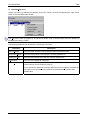
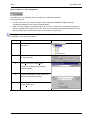
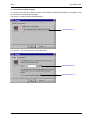
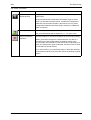
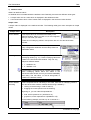
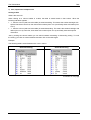
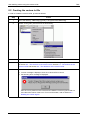
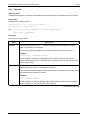
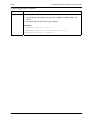
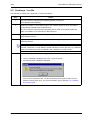
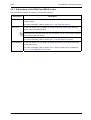
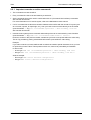
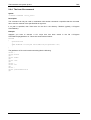
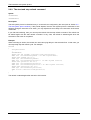
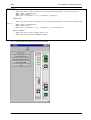
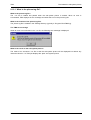
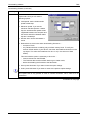
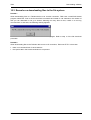
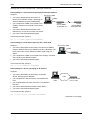
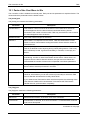
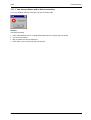
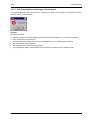
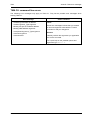
Options selection 1 - Use automatic column resizing in list controls
Tick this box if you want that the columns in the TMA window are automatically resized to fit the displayed
strings.
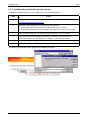
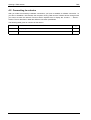
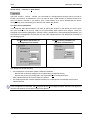
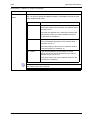
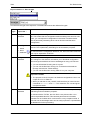
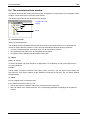
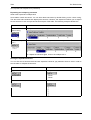
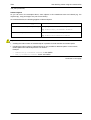
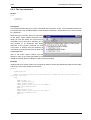
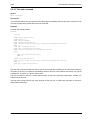
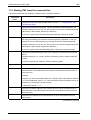
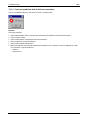
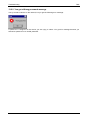
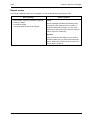
Options selection 2 - Period
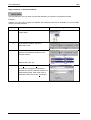
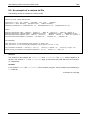
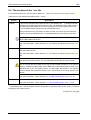
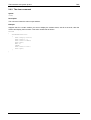
Here, you can specify the upload period for the status, performance and alarm attributes. E.g. a period of
1x10 sec means that every 10 seconds TMA will retrieve the values of the status, performance and alarm
attributes from the device.
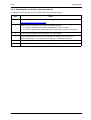
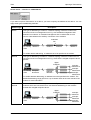
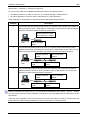
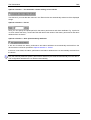
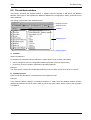
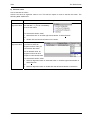
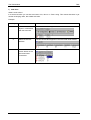
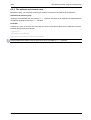
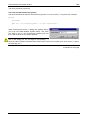
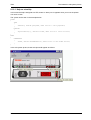
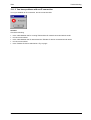
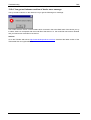
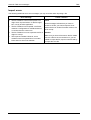
Options selection 3 - Auto upload readonly attributes
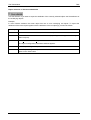
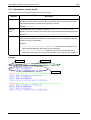
If this box is ticked, the status, performance and alarm attributes are automatically retrieved from the
device with an interval as specified in Options selection 2 - Period.
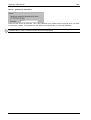
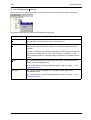
If this box is not ticked, the status, performance and alarm attributes are not automatically retrieved from
the device.
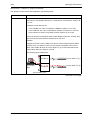
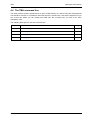
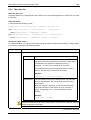
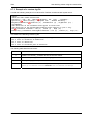
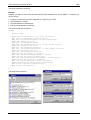
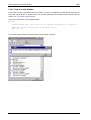
Only the read-only attributes (status, performance and alarm) are retrieved automatically from the device.
The configuration attributes are not retrieved automatically.
100
User manual