1
Setting Up the User Permissions
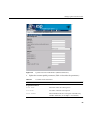
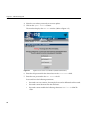
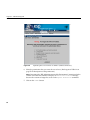
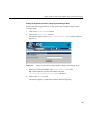
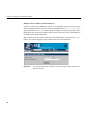
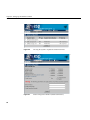
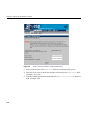
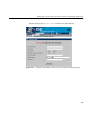
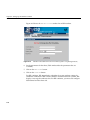
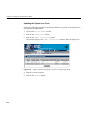
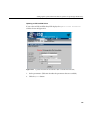
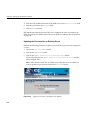
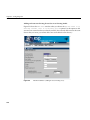
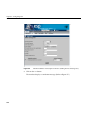
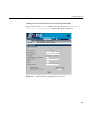
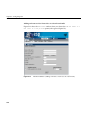
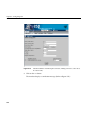
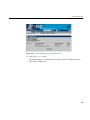
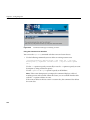
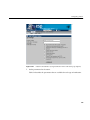
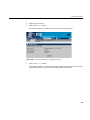
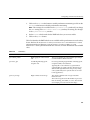
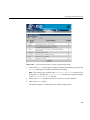
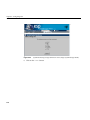
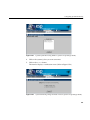
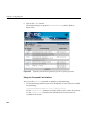
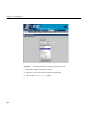
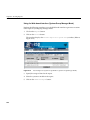
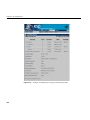
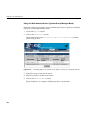
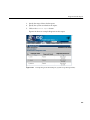
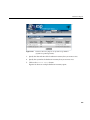
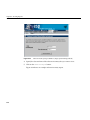
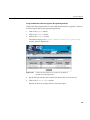
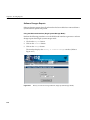
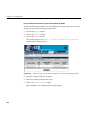
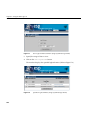
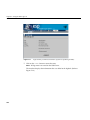
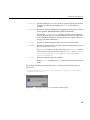
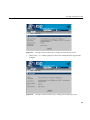
8. Re-enter the new password in the Verify Password field. (You must enter the
password twice to ensure that it is entered correctly.)
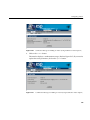
9. Click on the Commit button.
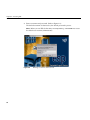
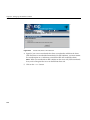
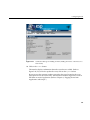
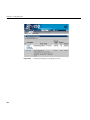
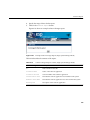
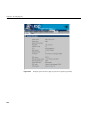
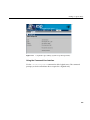
Note: If you change the password for the account you are currently using, the interface
displays an Authorization Failed message and prompts you for the new password.
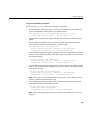
Using the Command Line Interface
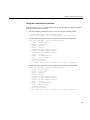
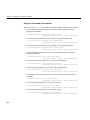
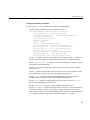
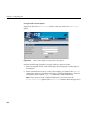
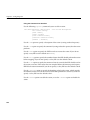
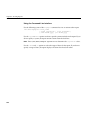
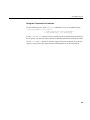
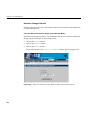
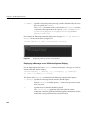
Use the following syntax of the espconfig command to update a password:
/usr/sbin/espconfig -update user -name <username> [-p <new_password>]
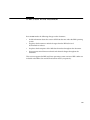
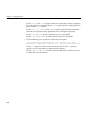
Passwords have the following restrictions:
•
Passwords are case sensitive; for example, Password is different than PAssword.
•
Passwords cannot be more than 126 characters.
•
Passwords cannot include the following characters: ? & * “ < > % <SPACE> <Tab>
79