1
Chapter 4: Setting Up the ESP Environment
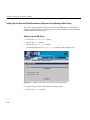
Setting Up the System Parameters (Single System Manager Mode Only)
The system parameters enable you to set up an alias name, select the system mode (full
or SGM), and add the system to a group.
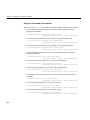
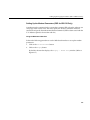
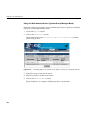
Perform the following procedure to update the system parameters in single system
manager mode:
1.
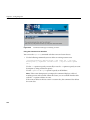
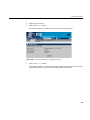
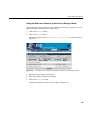
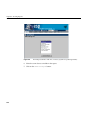
Click on the Set Environment button.
2. Click on the System button.
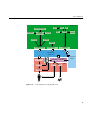
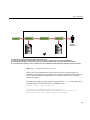
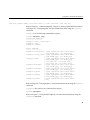
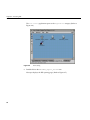
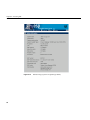
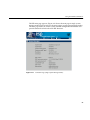
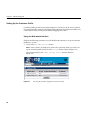
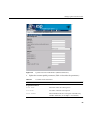
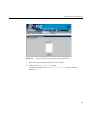
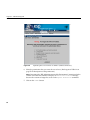
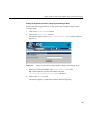
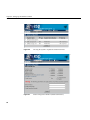
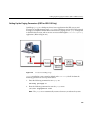
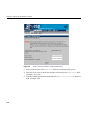
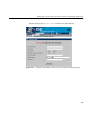
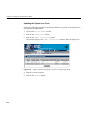
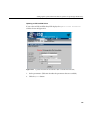
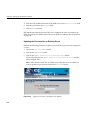
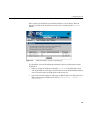
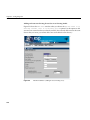
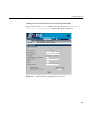
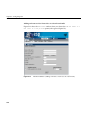
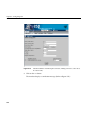
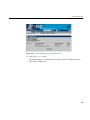
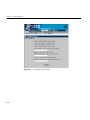
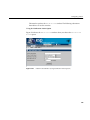
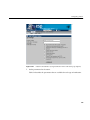
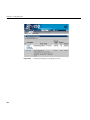
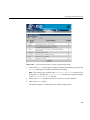
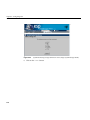
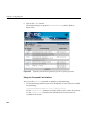
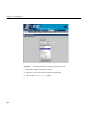
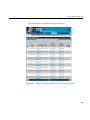
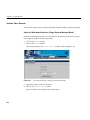
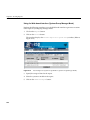
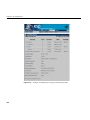
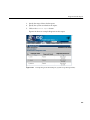
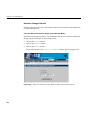
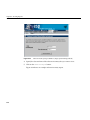
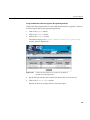
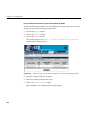
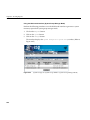
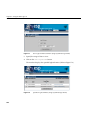
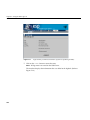
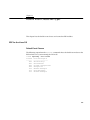
The interface displays the Update System Information window. (Refer to
Figure 4-12.)
Figure 4-12
Update System Information Window (Single System Manager)
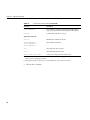
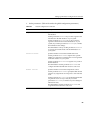
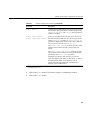
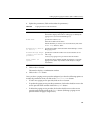
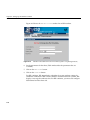
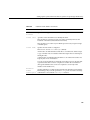
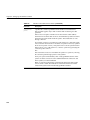
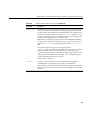
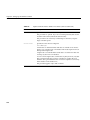
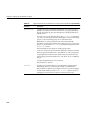
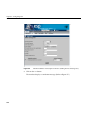
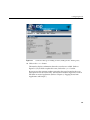
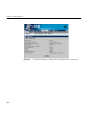
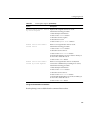
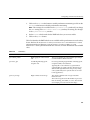
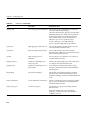
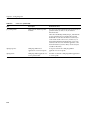
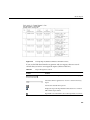
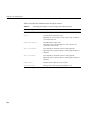
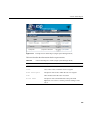
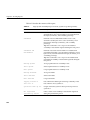
3. Set the parameters. (Table 4-3 describes the parameters that are available.)
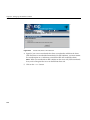
4. Click the Update button.
114