1
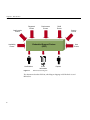
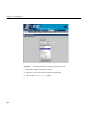
ESP Architecture
•
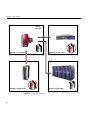
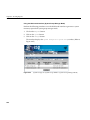
Accessing system consoles and system controllers
•
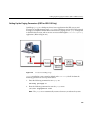
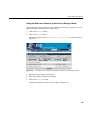
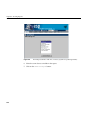
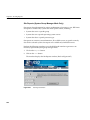
Remotely controlling a system with the IRISconsole multiserver management
system
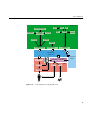
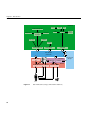
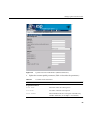
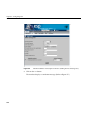
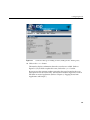
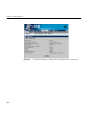
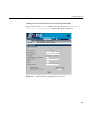
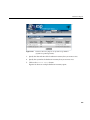
The ESP GUI uses the espconfig command to interact with the Event Manager
Command Line Interface
If you prefer to use a command line interface, the Command Line Application (CLA)
software enables you to connect to ESP without using a Web server. This enables ESP to
be used at a site where the Web server cannot be used for security reasons. It also enables
ESP to be used over slower remote connections because only text is transferred across the
connection.
The CLA software comprises three components:
•
espconfig
•
esplognote
•
espreport
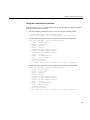
The espconfig command enables you to configure ESP. espconfig is the main ESP
configuration utility. It maintains all ESP configuration information in the SSDB and ESP
configuration files. It performs ESP-related operations, such as database accesses and
Event Manager interactions (for example, subscribing/unsubscribing certain events and
producing SGM-related events), based on command-line interface requests.
The esplognote command enables you to create logbook entries.
The espreport command enables you to generate and view reports.
Note: You must use the root account or an account with root privileges to execute the
espconfig, esplognote, and espreport commands.
29