1
www.icarusreader.com
Pictures Menu
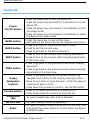
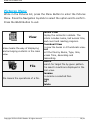
While in the Pictures list, press the Menu Button to enter the Pictures
Menu. Press the Navigation Joystick to select the option and to confirm.
Press the BACK Button to exit.
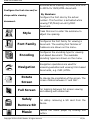
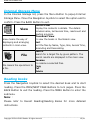
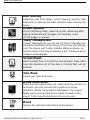
View
View means the way of displaying
and arranging contents in the main
view.
File
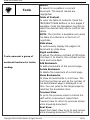
File means the operations of a file.
Details View
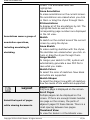
Display the contents in details. The
details includes name, last access time,
read count and reading progress.
Thumbnail View
To view the books in 4 thumbnails view.
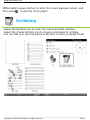
Sort
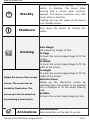
Sort the files by Name, Type, Size,
Access Time, Ascending and
Descending.
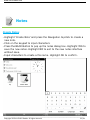
Search
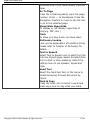
Search for target file by given pattern.
The search results are displayed in the
main view.
Rename
To rename a selected files.
Copy
Cut
Delete
__________________________________________________________________________________________________________________
Copyright © 2011 ICARUS Reader. All rights reserved.
28 / 41