1
DriveStation Utility Configuration
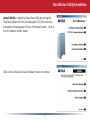
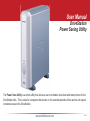
Power Save Utility – The Power Save Utility main dialog
screen lists the DriveStation drives that are attached to the
computer. The Power Save Utility controls the ability to shut
down the hard drive inside the DriveStation. Data will not
be accessible when the power saving mode is enabled. The
DriveStation will have to be woken up before it can be accessed.
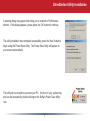
The utility provides three buttons to perform its functions. If more
then one DriveStation is listed, then please select the proper
DriveStation from the list and then press on the appropriate action
button.
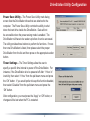
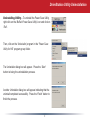
Timer Settings – The Timer Settings allow the user to
specify a specific time interval to power off the DriveStation. For
instance, if the DriveStation is to be powered off after ‘1 Hour’ of
inactivity, then select ‘1 Hour’ from the pull down menu and press
the ‘OK’ button. If you would prefer to keep this function disabled,
then select ‘Disabled’ from the pull down menu and press the
‘OK’ button.
After configuration, you must press the ‘Apply’ or ‘OK’ button, or
changes will be lost when the PC is restarted.
4