1
Lab 4: Using Synplify Pro Synthesis Tool and Vivado for Debugging a Design
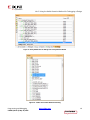
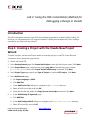
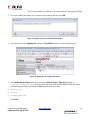
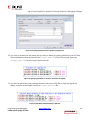
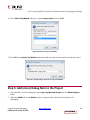
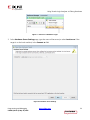
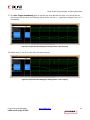
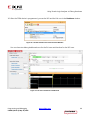
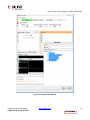
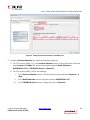
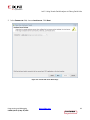
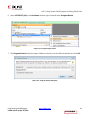
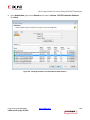
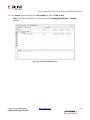
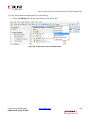
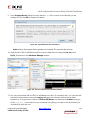
12. In the Select Top Module dialog box, select sinegen_demo, then click OK.
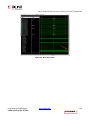
Figure 45: Select the Top Level Module
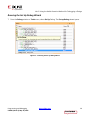
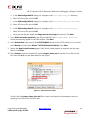
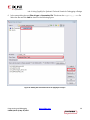
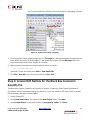
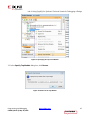
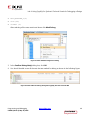
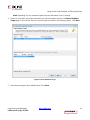
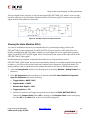
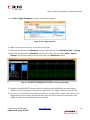
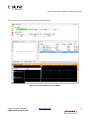
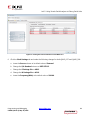
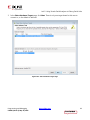
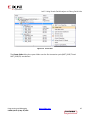
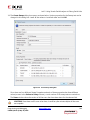
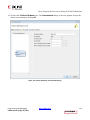
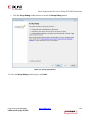
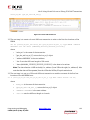
13. Click OK in the Specify Top Module dialog box after ensuring that the top level module is correct.
Figure 46: Specify sinegen_demo as the Top Level Module
Step 5: Add (more) Debug Nets to the Project
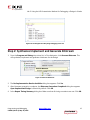
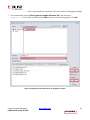
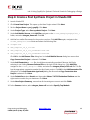
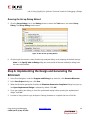
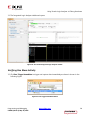
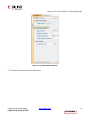
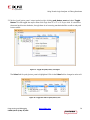
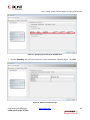
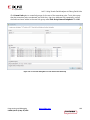
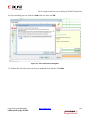
1. In Vivado IDE, in the Flow Navigator, select Open Synthesized Design from the Netlist Analysis
folder.
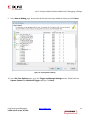
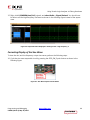
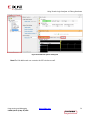
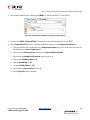
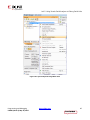
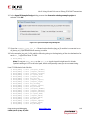
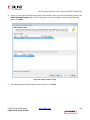
2. Select the Netlist tab in the Netlist window to expand Nets. Select the following nets for
debugging:
Programming and Debugging
UG936 (v2015.1) May 18, 2015
www.xilinx.com
48
Send Feedback