1
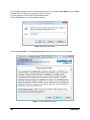
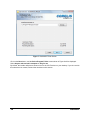
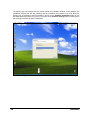
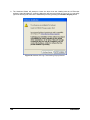
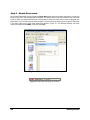
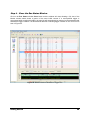
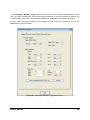
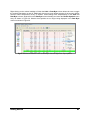
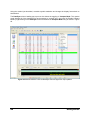
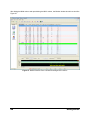
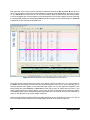
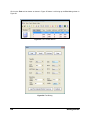
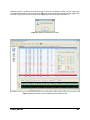
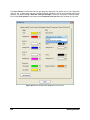
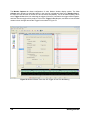
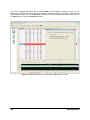
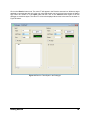
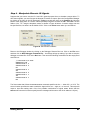
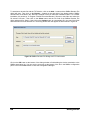
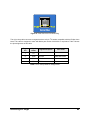
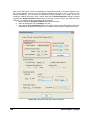
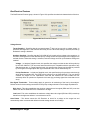
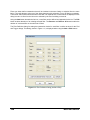
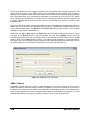
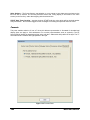
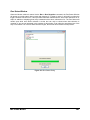
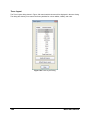
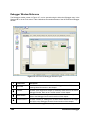
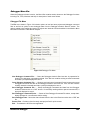
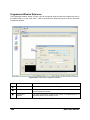
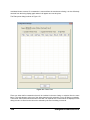
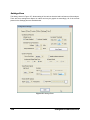
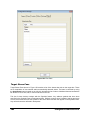
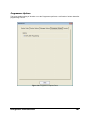
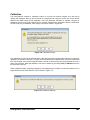
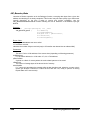
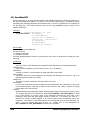
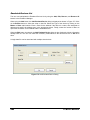
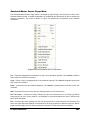
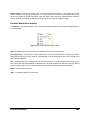
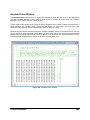
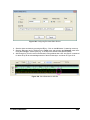
Figure 8. Select Program Folder Screen
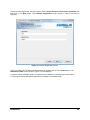
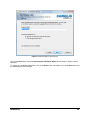
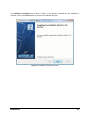
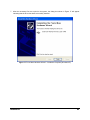
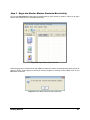
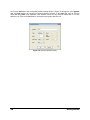
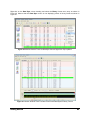
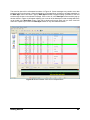
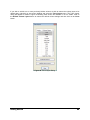
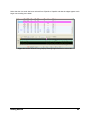
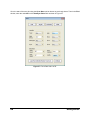
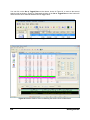
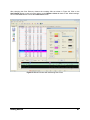
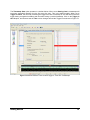
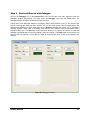
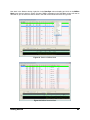
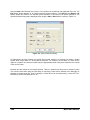
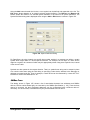
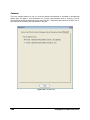
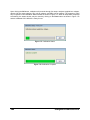
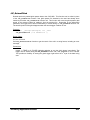
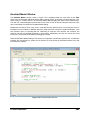
Click on the Next button, and the Completing the Installation Wizard screen shown in Figure 9 will be
displayed.
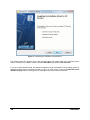
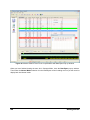
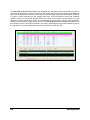
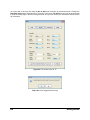
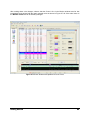
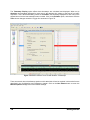
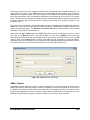
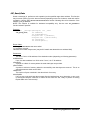
To change any installation parameters, click on the Back button. Otherwise, click on the Next button and
the installation process will begin.
Installation
13