1
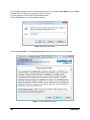
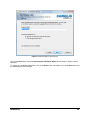
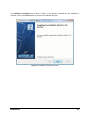
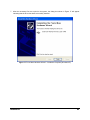
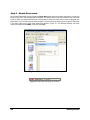
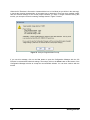
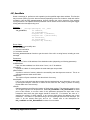
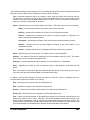
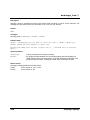
Review the entire agreement, and if you agree, select I accept the terms of the license agreement, and
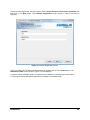
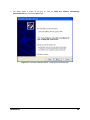
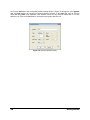
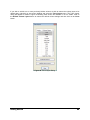
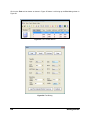
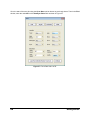
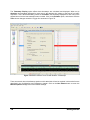
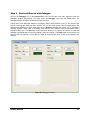
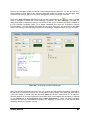
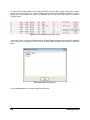
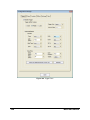
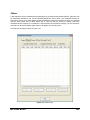
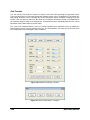
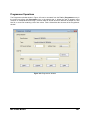
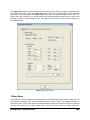
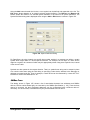
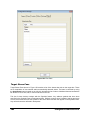
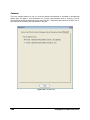
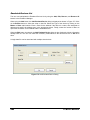
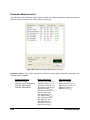
then click on the Next button. The Customer Registration screen shown in Figure 6 will then be
displayed.
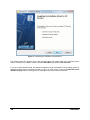
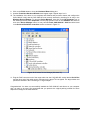
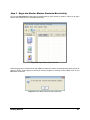
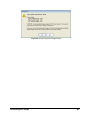
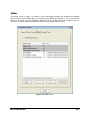
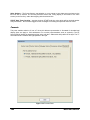
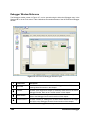
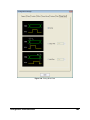
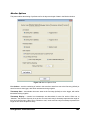
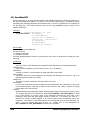
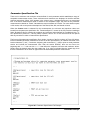
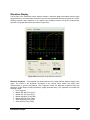
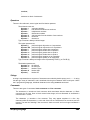
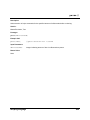
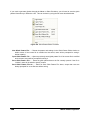
Figure 6. Customer Registration Screen
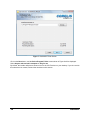
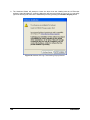
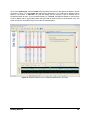
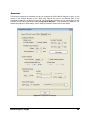
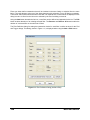
Type in or change the Full Name and Organization as needed, then click on the Next button. The
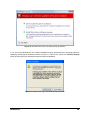
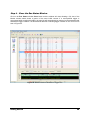
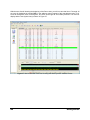
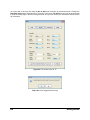
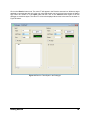
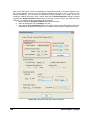
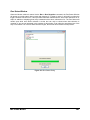
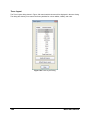
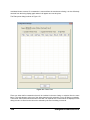
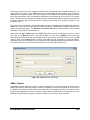
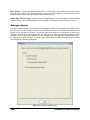
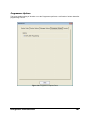
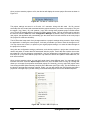
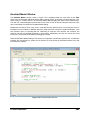
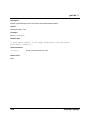
Destination Folder screen shown in Figure 7 will be displayed.
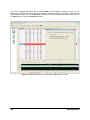
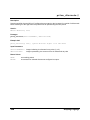
Accept the default installation folder, or customize your installation by selecting the browse button.
It is strongly recommended that the application be installed in the default folder.
Installation
11