1
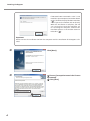
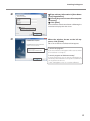
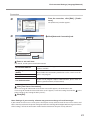
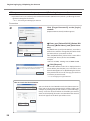
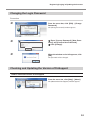
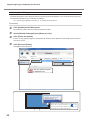
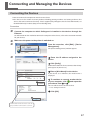
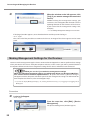
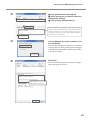
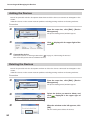
Connecting and Managing the Devices Click [Administrator Setting] tab. Select the device you want to make the management settings. Click [Change Administration]. If the management settings have already been made for the device, the Roland DG ID of the administrator and the computer name will be displayed here. To change the settings, you must log in with the Roland DG ID of the administrator. Choose [Manage form this computer], and then click [OK]. To disable the management settings, select [Do not manage]. However, make sure that you have logged in with the Roland DG ID of the administrator in order to cancel the settings. Click [OK]. This is the end of the process to make the management settings for the devices. The Roland DG ID of the administrator appears. 19