1
Contents
Introduction....................................................................................................2
About the Documentation............................................................................................................ 2
Installing OnSupport.......................................................................................3
System Requirements...................................................................................................................... 3
Installing OnSupport........................................................................................................................ 3
Basic Operations............................................................................................6
Displaying OnSupport..................................................................................................................... 6
Exiting the OnSupport..................................................................................................................... 7
Updating the Contents of the Window..................................................................................... 7
Part Names........................................................................................................................................... 8
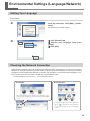
Environmental Settings (Language/Network).................................................9
Setting Your Language.................................................................................................................... 9
Checking the Network Connection............................................................................................ 9
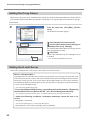
Setting the Proxy Server...............................................................................................................10
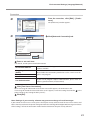
Setting the E-mail Server..............................................................................................................10
Registering/Loging in/Updating the Account................................................12
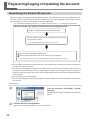
Registering the Roland DG Account.........................................................................................12
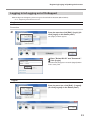
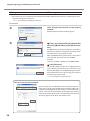
Logging in to/Logging out of OnSupport..............................................................................13
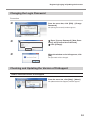
Changing the Login Password....................................................................................................15
Checking and Updating the Version of OnSupport............................................................15
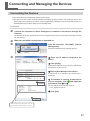
Connecting and Managing the Devices.......................................................17
Connecting the Devices................................................................................................................17
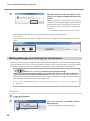
Making Management Settings for the Devices....................................................................18
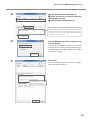
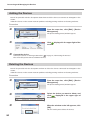
Adding the Devices........................................................................................................................20
Deleting the Devices......................................................................................................................20
Company names and product names are trademarks or registered trademarks of their respective holders.
Copyright © 2010 Roland DG Corporation
http://www.rolanddg.com/
1