1
nl
ow
D
d
de
oa
or
nb
de
an
.v
w
w
w
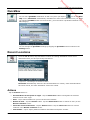
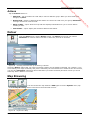
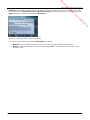
From the Route menu, tap the Route Overview button.
m
•
fro
Route Overview
Getting Started
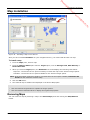
An overview of your complete route, the total driving distance to your destination, the
estimated travel time and the complete destination address, are displayed on the Map
Manager screen.
re
•
e
.b
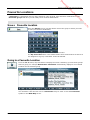
Cancel Route
From the Route menu, tap the Cancel Route button.
The current navigation stops and Destinator clears the route. You can only cancel a route
after a destination has been set.
Destinator User Manual
5