1
Chapter 8 - Appendix: Bluetooth Setup
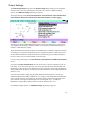
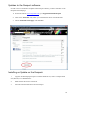
The following instructions apply to a Microsoft Bluetooth stack. To set up a Toshiba Bluetooth
stack, please go to page 74.
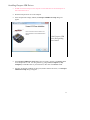
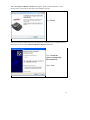
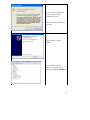
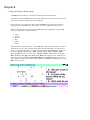
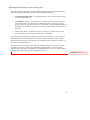
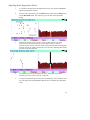
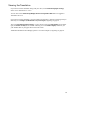
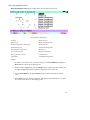
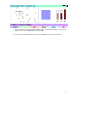
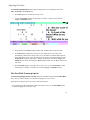
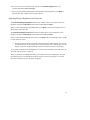
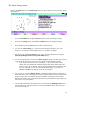
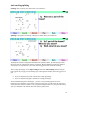
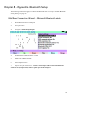
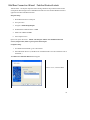
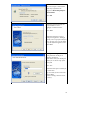
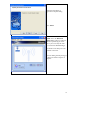
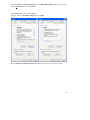
Add New Connection Wizard – Microsoft Bluetooth stack
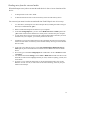
1.
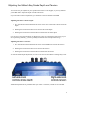
Place Bluetooth device in Passport
2.
Turn power ON
3.
Navigate to Menu/Setup/Output
4.
Set Bluetooth Communications to YES
5.
Make note of Bluetooth PIN
6.
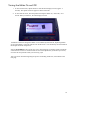
Exit to Splash screen
7.
Open a new job on the writer – NOTE: The Passport will not start the Bluetooth
serial service (Passport SSA) unless a job is open on the Passport.
69